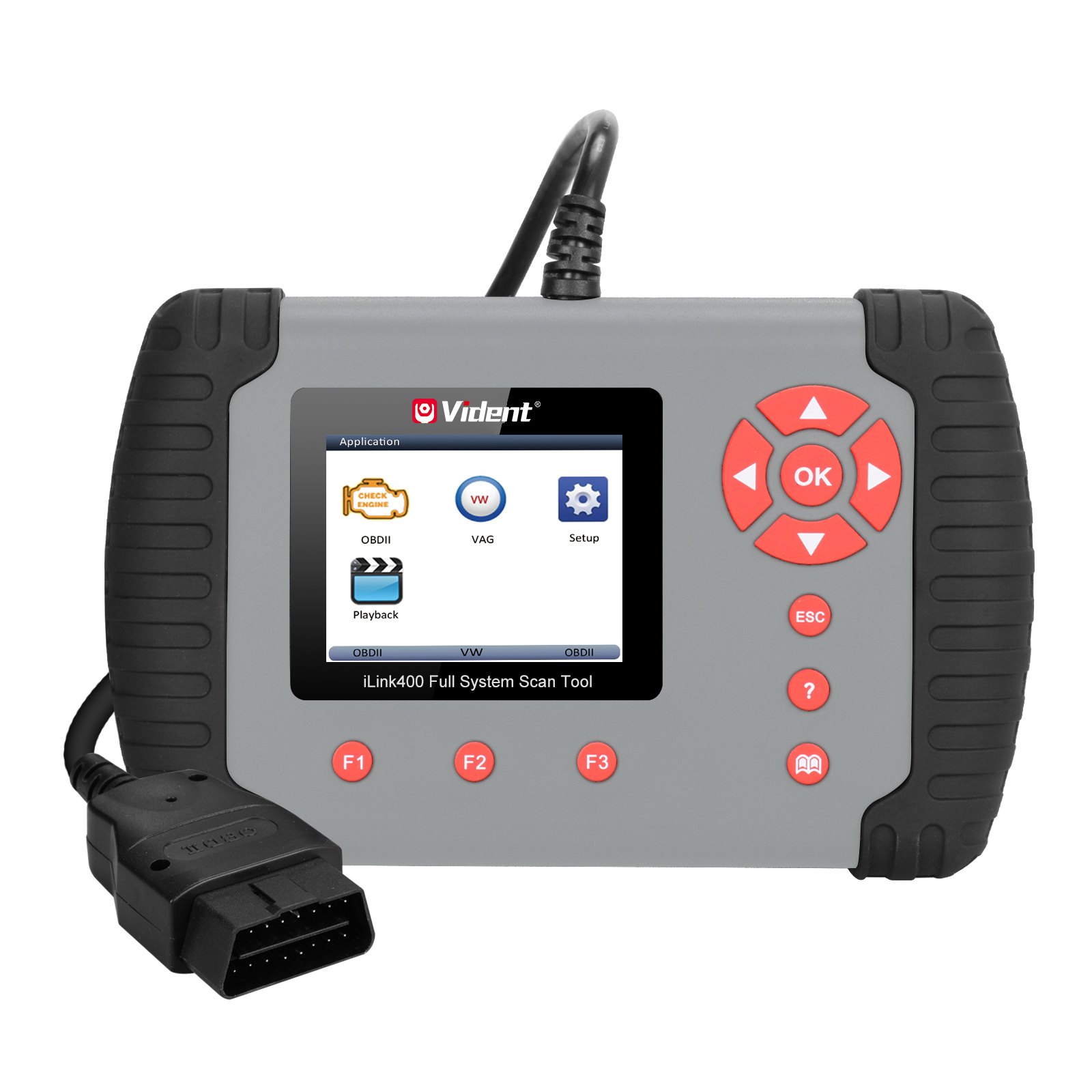
Original VIDENT iLink400 Full System Scan Tool Single Make Support ABS/SRS/EPB// Regeneration/Oil Reset
In stock, delivery 7 to 20 days
- Free US shipping over $150
- Secure checkout via Stripe
- 30 day returns, no restocking fee
Buying for the trade? Ask for a written quote on quantity.
Description
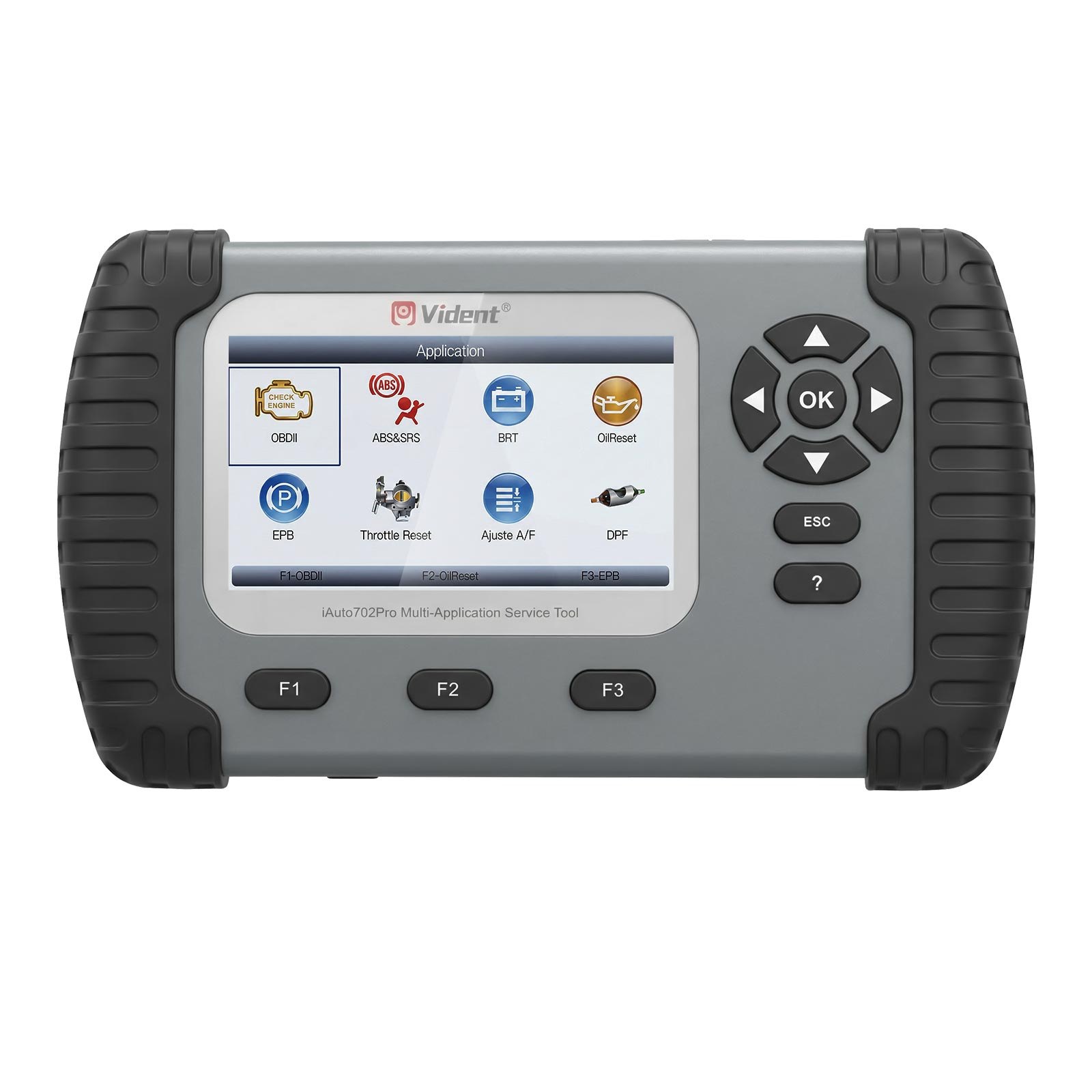
The VIDENT iLink400 full system scan tool in single make form, covering ABS, SRS, EPB, regeneration and oil reset along with brake deactivation, service reset, SAS, BCM and SIR setup and TPS relearn. It reads on a 2.8 inch 320 by 240 backlit TFT screen, takes 8 to 18V from the car, covers J1859, J1850, ISO9141, KWP2000 and CAN, and speaks seven languages.
Specifications
- Support commonly service features: brake deactivation,service reset,SAS,ABS,BCM/SIR setup,TPS/TBA,etc.
- Support Multi-language: English, French, German, Russian, Spanish Portuguese, Swedish and more.
- Notice: Can't sell to Poland since March, 2019.
- Please Note: the update process can take a long time. If your tool has not been updated recently, it may take a few hours for the update process to complete. Once the update has completed, don't forget to
- Display: 2.8" Backlit, 320X240 TFT color screen
- Operating Temperature: 0 to 60°C (32 to 140°F)
- Storage Temperature: -20 to 70°C (-4 to 158°F)
- Power: 8 to 18 V provided via vehicle
- Supported Protocols: J1859-41.6, J1850-10.4, ISO9141, KWP2000 (ISO 14230), and CAN (Control Area Network ISO 11898)
- Tool Dimensions: 194*117*47mm (L*W*H)
- Color Box: 220*165*85mm (L*W*H)
- Q1: Is iLink400 software open for all car manufactures or need to buy software for each car manufactures?
- Q2: Will this support abs bleeding on a 1999 ford e350 super duty?
- A2: Yes, it is support abs bleeding on a 1999 ford e350 super duty.
- Q3: Can iLink400 program key for 98 taurus?
- A3: Sorry, Ilink400 no key program key function.
- Q4: Will this initiate bleeding for gm abs
- A4: Yes, it is support.
- Q5: Does this perform tcm quick learn for chrysler 45rfe/545rfe transmission?
- A5: It is support.
- Q6: How do i download the software on macbook / os?
- A6: You can download from Official website.
- Q7: W
Also stated by the supplier
- Original VIDENT iLink400 Full System Scan Tool Single Make is the most cost-effective professional multi-system scan tool that delivers OE-level diagnosis for all electronic systems of different car brands.
- Original VIDENT iLink400 Full System Scan Tool Single Make Support ABS/SRS/EPB// Regeneration/Oil Reset
- Viden iLink400 Full System Single Make Scan tool is the most cost-effective professional multi-system scan tool that delivers OE-level diagnosis for all electronic systems of different car brands. It does not only include basic functions such as read/erase codes and live data, but also it's capable of advanced functions such as actuation, adaptation and programming. In addition, it lets you to access the most commonly required service features such as Oil service Light Reset, Throttle Body Alignment, Electronic Parking Brake Service, Battery configuration, Steering Angel Sensor Calibration, CBS correct and much more.
- Compatible with both OBDI and OBDII vehicles
- Works on the latest 2017/2018 vehicle models
- Key coding for several vehicles
- 12.Upgradable to cover more car makes
- TF memory card for data backup and software update
- As easy as 1-2-3 with large TFT color screen and menu-driven operations
- Ergonomic design and ruggedly built for both shop and road tests
- 3 Years Free Update Online
- Vident iLink400 Diagnostic Functions
- O2 Sensor Test
- Calibration of Steering Angle Sensor G85
- Adapt Battery After Replacing
- Special function of Diesel Engine
- iLink400 comes with no software installed. You can select any of the car make software below to update on your scan tool. The first software is free of charge with your purchase. Any additional software costs $60 each. One hardware can have 5 car makes at most.
- SC367-2 VIDENT iLink 400 - EU Ford
- SC367-3 VIDENT iLink 400 - BMW, Mini and Rolls Royce
- SC367-4 VIDENT iLink 400 - Citroen
- SC367-5 VIDENT iLink 400 - Chrysler
- SC367-6 VIDENT iLink 400 - Fiat, Alfa Fiat, Abarth, Alfa Romeo, Lancia
- SC367-7 VIDENT iLink 400 - Ferrari
- SC367-8 VIDENT iLink 400 - Land Rover, Jaguar
- SC367-9 VIDENT iLink 400 - GM
- SC367-10 VIDENT iLink 400 - Opel, Vauxhall
- SC367-11 VIDENT iLink 400 - Honda
- SC367-12 VIDENT iLink 400 - Hyundai, Kia
- SC367-14 VIDENT iLink 400 - Porsche
- SC367-15 VIDENT iLink 400 - Toyota Lexus Toyota, Lexus and Scion
- SC367-16 VIDENT iLink 400 - Mercedes Benz, Sprinter
- SC367-17 VIDENT iLink 400 - Maserati
- SC367-18 VIDENT iLink 400 - Mazda
- SC367-19 VIDENT iLink 400 -VAG VW, Audi, Skoda, Seat, Bentley, Bugatti, Lamborghini, VW Commercial
- SC367-20 VIDENT iLink 400 - Volvo
- SC367-21 VIDENT iLink 400 - Renault, Dacia
- SC367-23 VIDENT iLink 400 - Subaru
- SC367-24 VIDENT iLink 400 -SsangYong
- SC367-25 VIDENT iLink 400 -Peugeot
- Please refer to VIDENT iLink400 Car List here for more detailed car models.
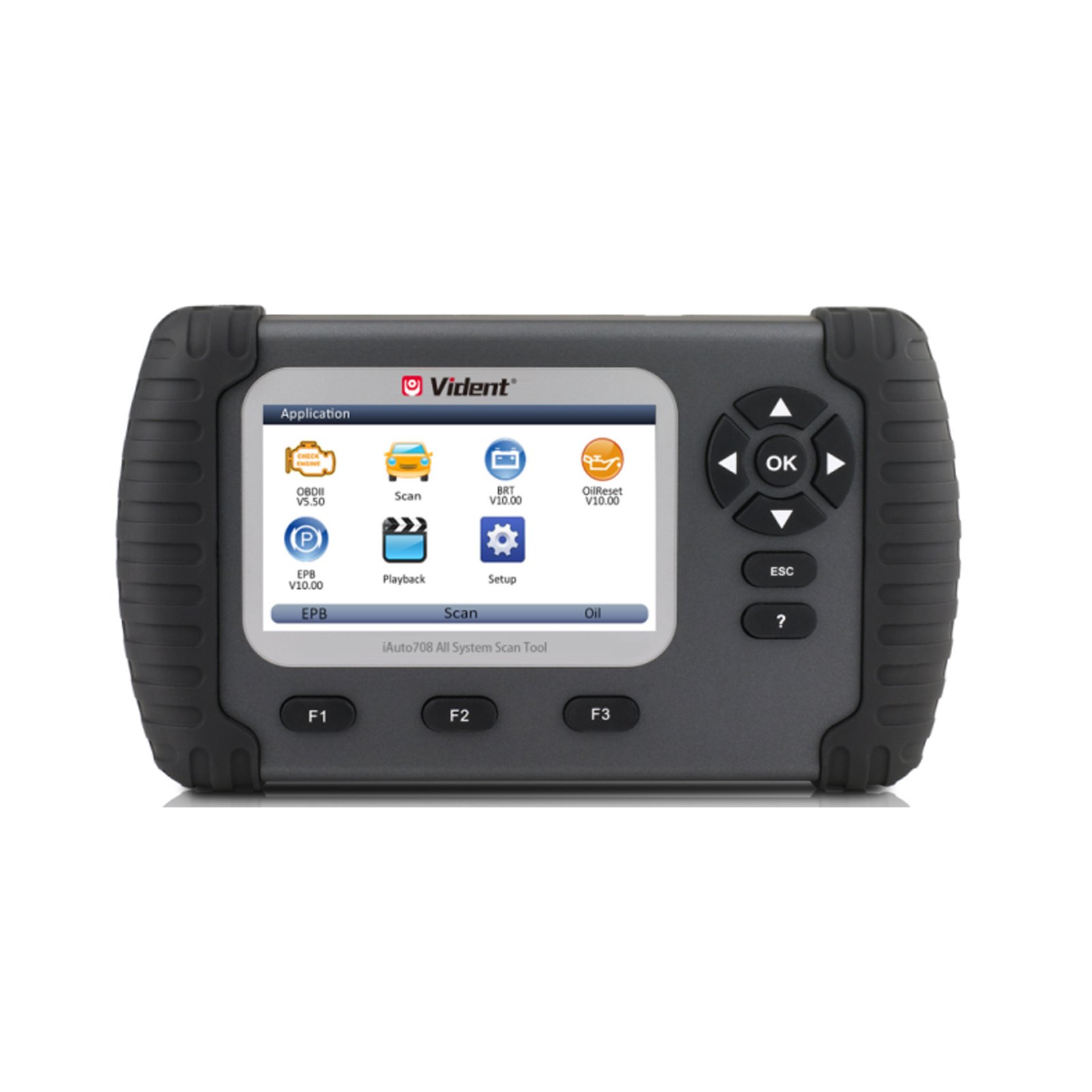
- 1 LCD Screen -to display the software.
- 2 Function Keys / Shortcut keys - three keys that correspond with "buttons" on some screens
- for executing commands or provide quick access to most frequently used applications.
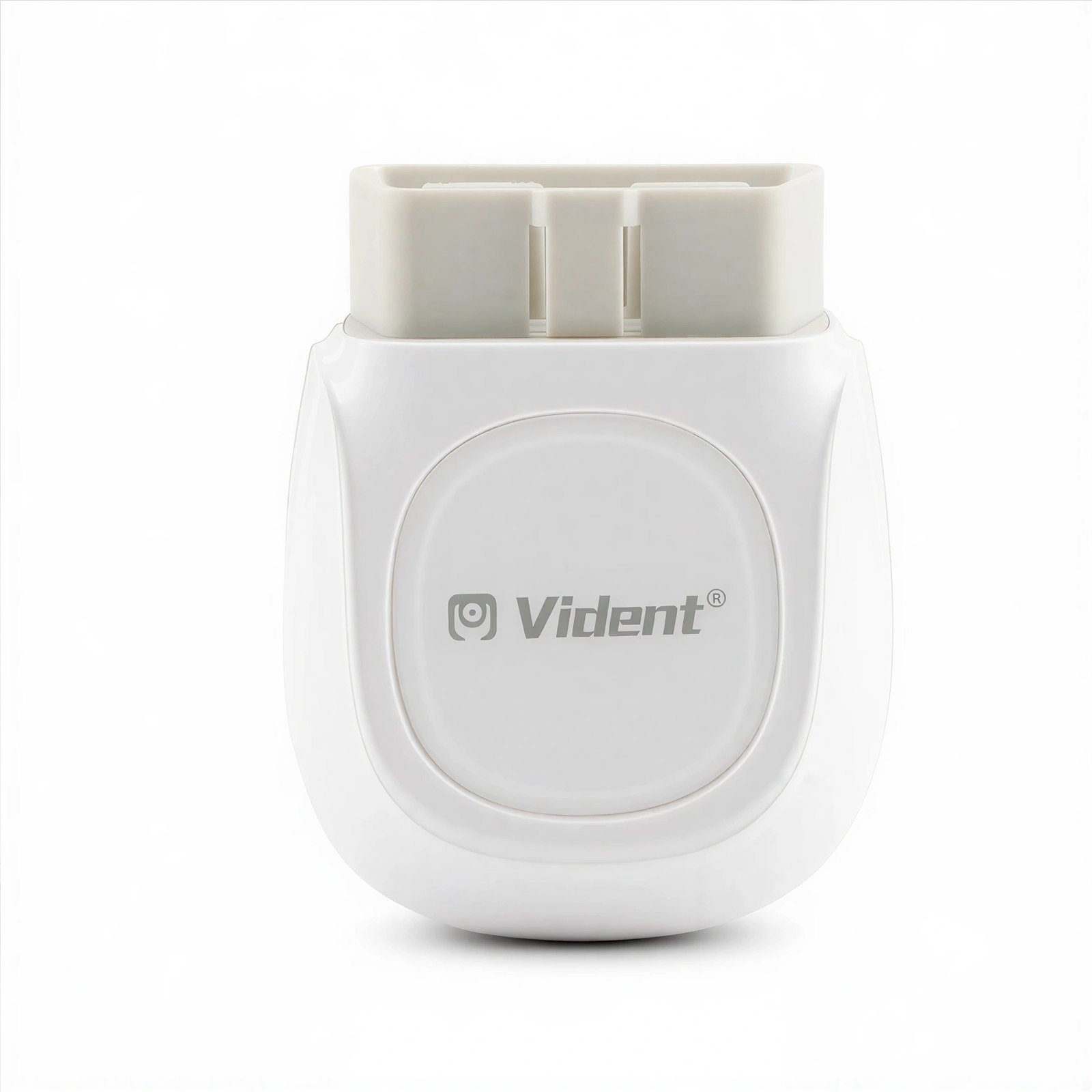
- 3 Diagnostic Connector, to connect to vehicle's DLC.
- 4 OK Key, to confirm the current operation.
- 5 Selection Keys, to select an option or scroll through a screen of data or text.
- 6 ESC Key, to returns to previous screen.
- 7 HELP Key, provide tips for diagnosis or for the tool itself.
- 8 Reset Key, Press and hold for 5 seconds for emergency reboots.
- 9 TF Card Port, holds the TF memory card for data backup and software update.
- 10 USB port -NOT IN USE
- How to Update Vident iLink400 Software?
- Once Windows has detected the TF card, run the iScanzilla software and login again. click the 'My Updates' button. After a few seconds, a list of the available software updates will appear.
- Click the Update button to download and install available updates.
- How to Buy Extra Software for Your Vident iLink400?
- Vident iLink400 is authorized with one free software when delivery and can cover up to six vehicle makes. More software can be added anytime at extra cost.
- Find the iLink400 serial number you wish to adds extra software and click the Software Details
- You will see all software already installed on this tool as well as all software available to add. Select the software you need and click Add To Cart button.
- Log in the update client iScanzilla. When the payment has been made successfully, the software you purchased would be listed in the available updates list for you to download.
VIDENT note it cannot be sold into Poland, and that a software update can take a long time.
Specifications
| Brand | VIDENT |
|---|---|
| Type | Car Diagnostic Tool |
| Part number | HKSC367 |
| Condition | New |
Shipping and returns
Orders leave the warehouse within one business day. Delivery then takes 7 to 20 days. Orders over $150 ship free.
Not right for you? You have 30 days from delivery, with no restocking fee. See the full returns policy.