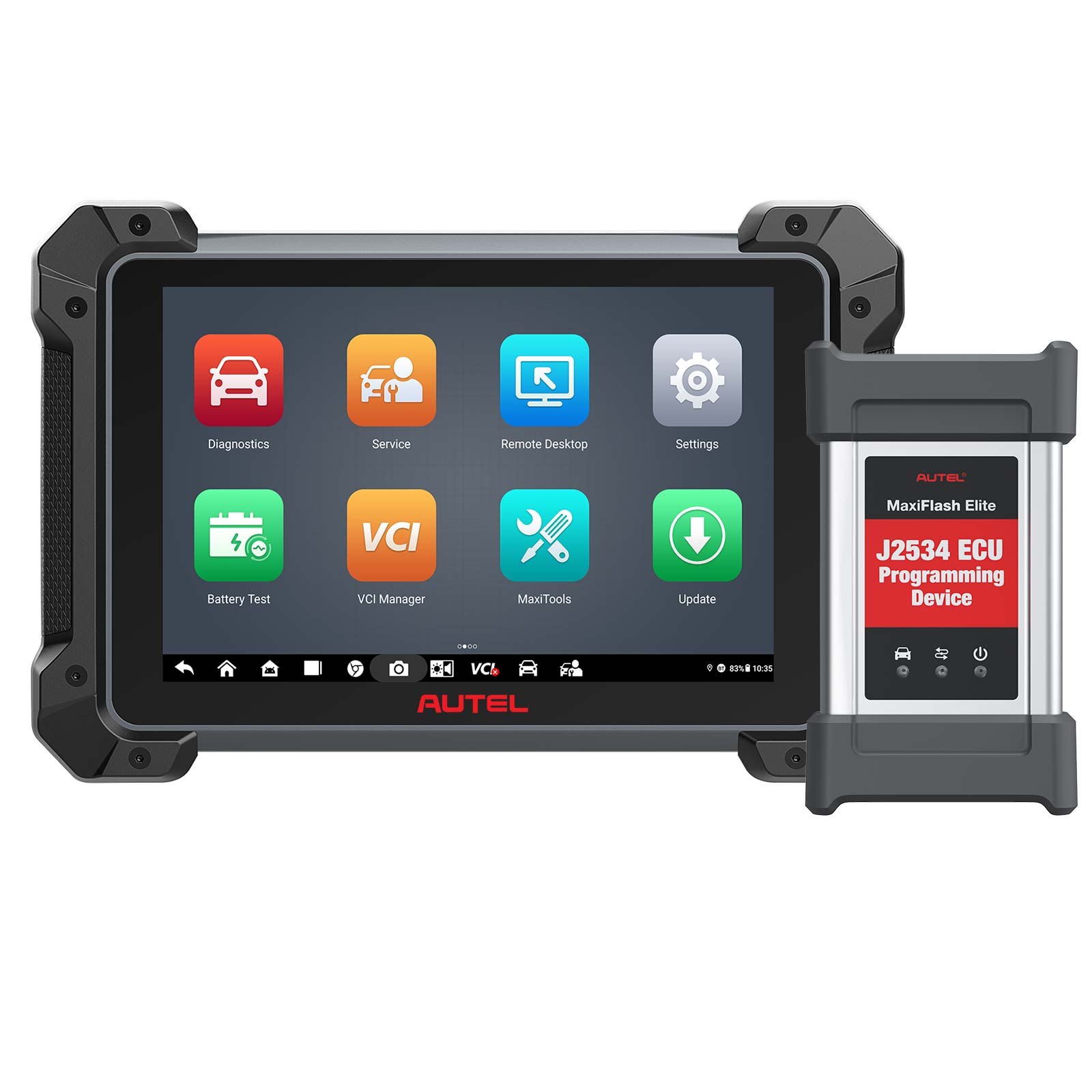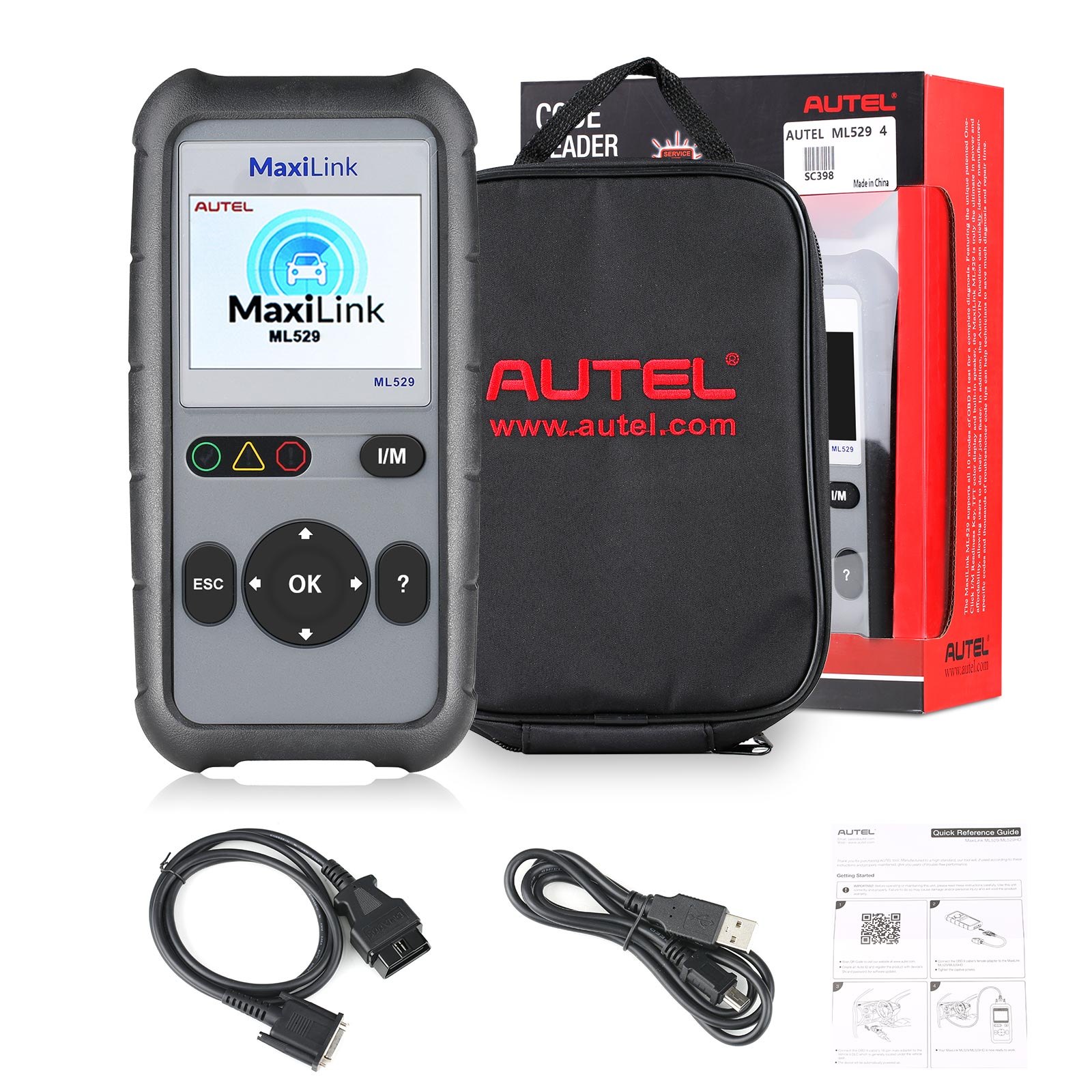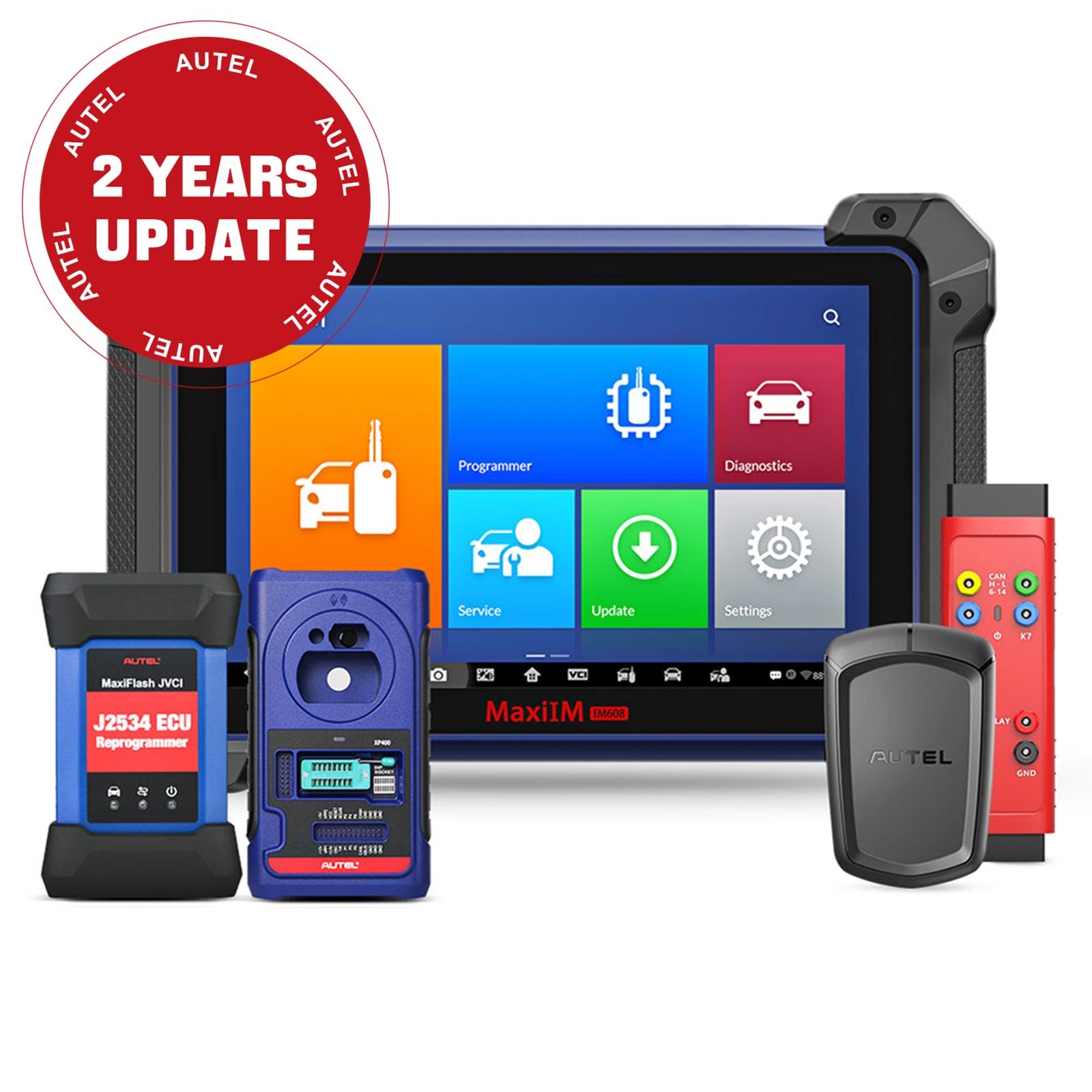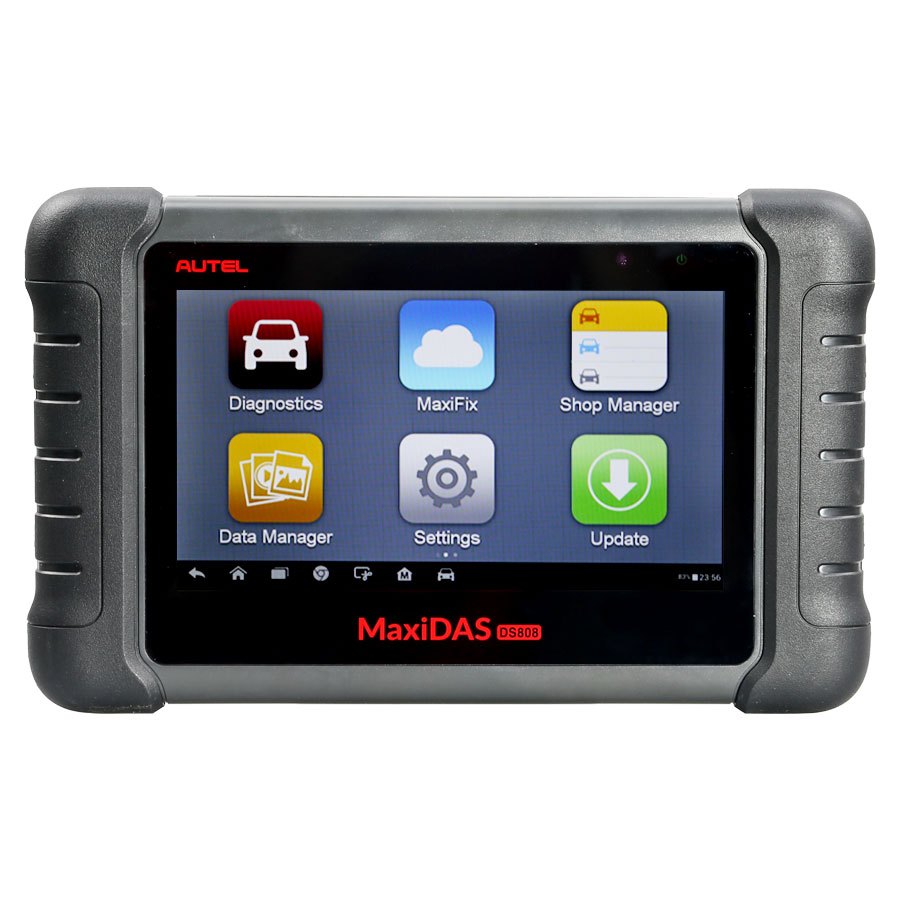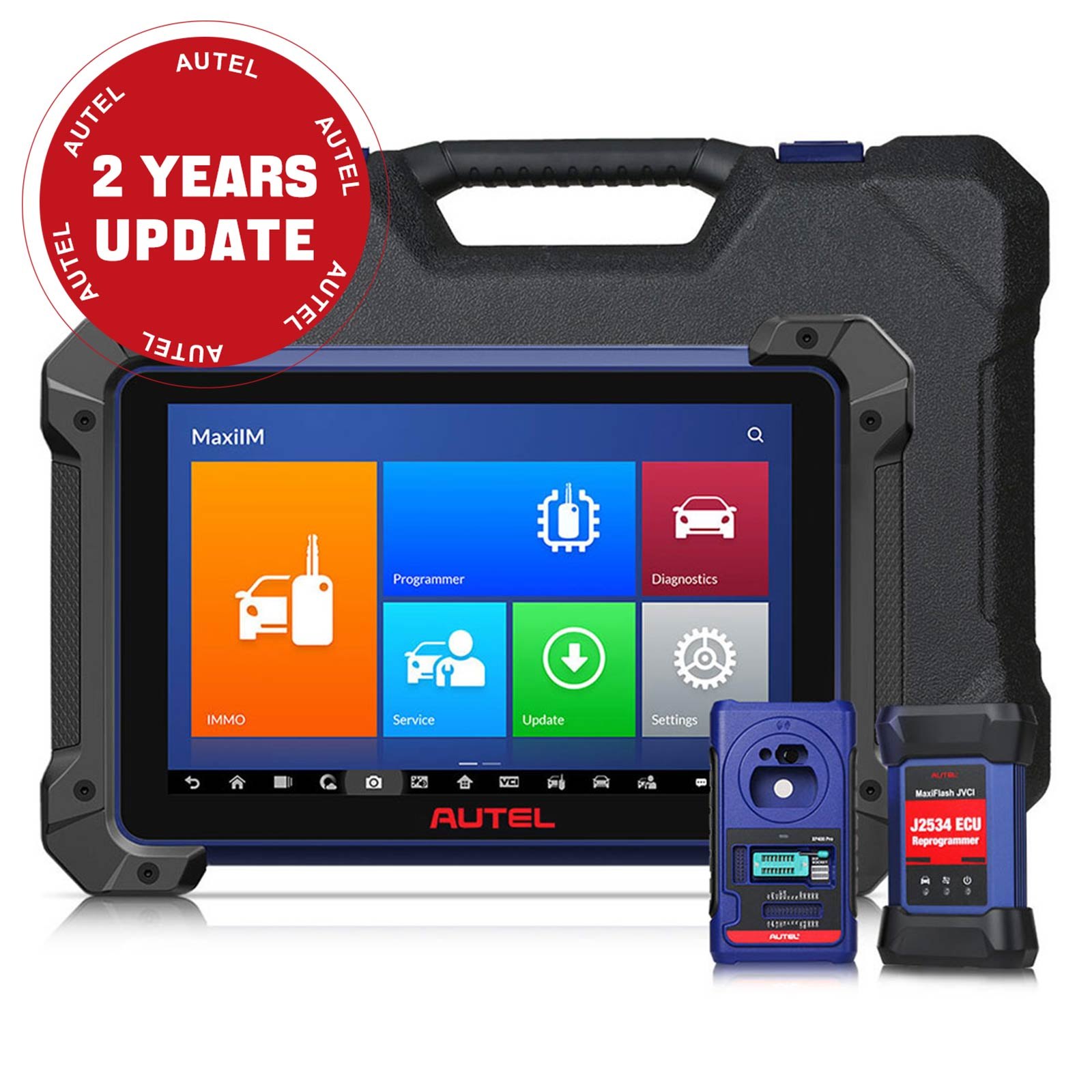
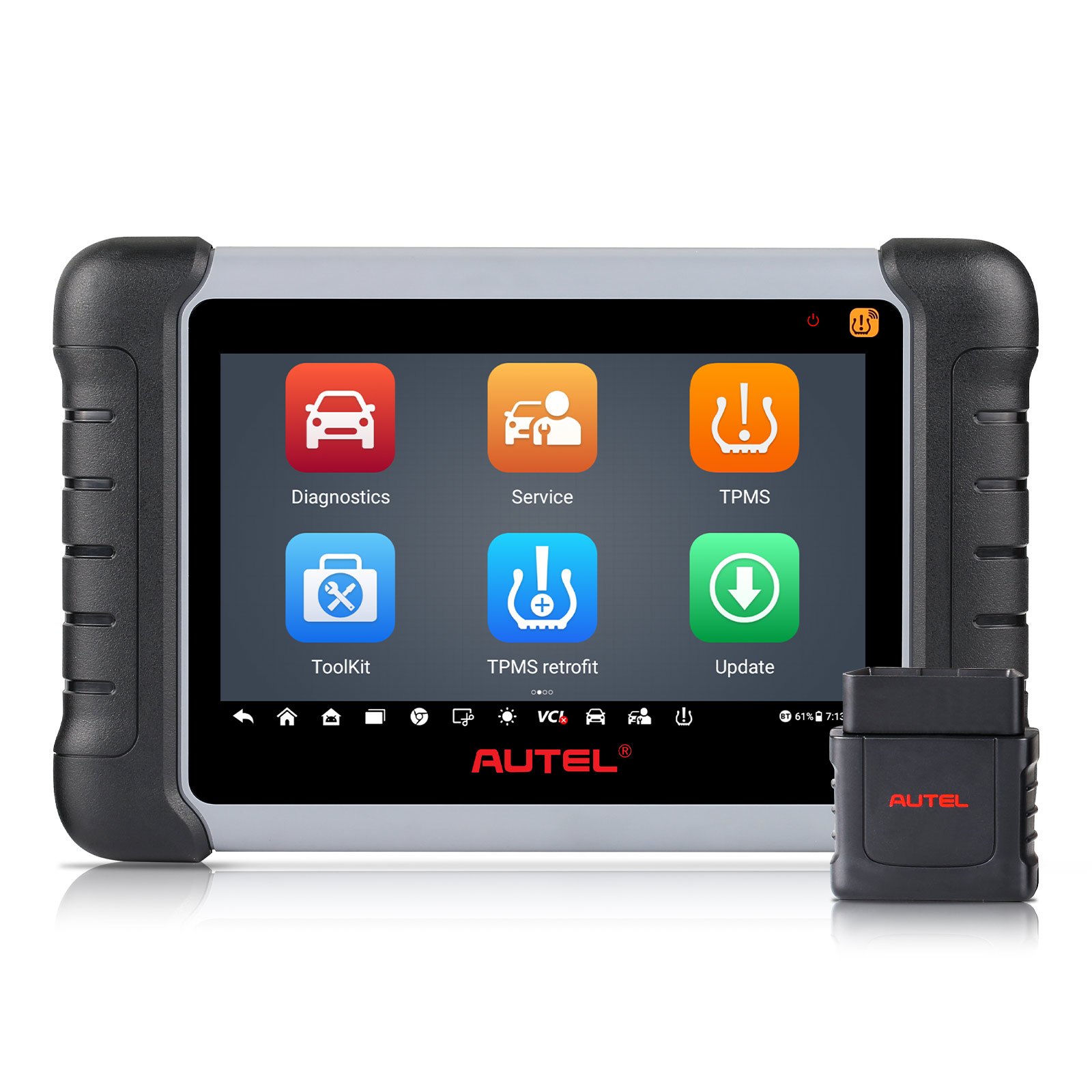
Autel MaxiCOM MK808TS MK808Z-TS Auto TPMS Relearn Tool Universal Tire Sensor Activation Pressure Monitor Reset Scanner
In stock, delivery 7 to 20 days
- Free US shipping over $150
- Secure checkout via Stripe
- 30 day returns, no restocking fee
Buying for the trade? Ask for a written quote on quantity.
Description
The Autel MaxiCOM MK808TS, also badged MK808Z-TS, a TPMS relearn tool covering universal tyre sensor activation, pressure monitor reset and scanning. Software updates run from the update button in the diagnostic job menu, and the MaxiVCI Mini updates either over USB through PC Suite or from the tablet's VCI manager.
Specifications
- Note: Make sure the diagnostic tablet is connected to the internet and the tablet has sufficient battery or is connected to a power source.
- Step 1: Tap the Update application button from the Diagnostic Job Menu and the Update screen displays.
- Step 3: Tap "Pause" to suspend the updating process. Tap "Continue" to resume.
- Step 4: When the updating process is completed,the software will be installed previous version will be replaced.
- Step 1: Connect the MaxiVCI Mini to a PC using a USB cable.
- Step 2: Run the "PC Suite" on the computer which is installed after the installtion of Maxi PC Suite and click MaxiVCI Mini icon on the Device Selection window.
- Step 3: The driver will automatically detect the updates of the device.
- Step 4: Click "Update" to complete the operation if an update is available.
- Step 1: Connect the MaxiVCI Mini with the Diagnostic Tablet using a USB cable.
- Step 2: Tap VCI Manager from the Diagnostics Job Menu,and then Update to complete the operation if an update for the MaxiVCI Mini is available.
- Step 1: Visit official website:www.autel.com,then create an Autel ID and register the product with device's SN and password.
- Step 2: Insert the MaxiVCI Mini into the vehicle's DLC,which is generally located under the vehicle dash.
- Step 3: Long press the Lock/Power button to turn on the Diagnostic Table.
- Step 4: Pair up the Diagnostic Table with the VCI device via Bluetooth to establish a communication link
- Input: N/A
- Output: buzzer
Also stated by the supplier
- Autel MaxiCOM MK808TS Auto TPMS Relearn Tool Universal Tire Sensor Activation Pressure Monitor Reset Scanner Programming MX-Sensor Service OBD Diagnostic Tool with Oil Reset EPB SAS BMS Immobilizer
- Autel MaxiCOM MK808TS Auto TPMS Relearn Tool
- Together with the ability to quickly read and clear DTCs for all available modules of the majority of the makes and models on the market, MaxiCOM MK808TS provides you with superior special functions, including Oil Reset, EPB (Electronic Parking Brake), SAS (Steering Angle Sensor), BMS (Battery Management System), DPF (Diesel Particulate Filter) and IMMO. In addition to OBD II diagnostics and special service, MK808TS enables you to carry out complete TPMS functions, including TPMS health check, sensor activation & programming and TPMS relearn.
- NEW! Support active test and complete special functions
- NEW!Compatible with Videoscope and MaxiBAS BT506 to perform Battery Analysis
- Extensive vehicle coverage for more than 80 US, Asian and European vehicle makes and models
- Exceptional OE-level system coverage for all electronic systems
- Complete capabilities for codes, live data, ECU information, adaptation, matching, etc.
- Auto VIN technology can automatically identify the vehicle's make, model and year information in no time
- Instant remote control tech support anytime, anywhere
- TPMS status, one step for complete TPMS health check
- Activate 98% of all known TPMS sensors
- One-stop multitasking designed for ideal management of workshop operations to keep all data files, customer info, and vehicle records well organized
- Support battery registration and reset
- Advanced TPMS diagnostics for complete TPMS health check
- Basic Diagnostic Functions for All Systems:
- Read/clear codes for all available systems.
- Display live data in text, graph,analog for easy data review
- O2 monitor test
- Battery registration and reset
- Autel MaxiCOM MK808TS Functional Descriptions:
- 7.0" LCD Capacitver Touchscreen
- Power LED-indicates battery level & charging or system status.
- Built-in Battery
- Lock/Power Button-turns the device on & off with long press,or locks the screen with short press.
- How to Update Autel MaxiCOM MK808TS?
- a)if you want oto update all the items,tap the "Update All" button
- b)if you want to update one or some of the item,tap the "Update" button on the right column of the specific item(s).
- How to Use Autel MaxiCOM MK808TS?
- When the VCI device is properly connected to the vehicle and the Diagnostic Tablet,the VCI status button at the buttom bar on the
- Autel MK808TS Specifications
- AndroidTM 4.4.2, KitKat
- Cortex-A9 processor (1.5 GHz)
- 32GB
- 7-inch LCD capacitive touchscreen with 1024 x 600 resolution
- Mini USB 2.0
- USB 2.0
- HDMI Type A
- Micro SD card (supports up to 32GB)
- Light sensor for brightness auto changing
- Power and Battery
- 3.7 V/5000 mAh lithium-polymer battery
- Charges via 5 VDC power supply
- Tested Battery Life
- Around 7 hours of continuous use
- Battery Charging Input
- 5 V/1.5 A
- Power Consumption
- 600 mA (LCD on with default brightness, Wi-Fi on) @3.7 V
- 0 to 55°C(32 to 131°F)
- 20 to 60°C (-4 to 140°F)
- 5% - 95% non-condensing
- Dimensions (W x H x D)
- 270.8 mm (10.0") x 176.0 mm (6.9") x 36.0 mm (1.4")
- Net Weight
- 885 g (2.31 lb.)
- ISO9141-2, ISO14230-2, ISO15765, K/L-Line, Flashing Code, SAE-J1850 VPW, SAE-J1850PWM, ISO11898 (Highspeed, Middlespeed, Lowspeed and Singlewire CAN, fault-tolerant CAN), SAE J2610,GM UART,UART Echo Byte Protocol, Honda Diag-H Protocol, TP2.0, TP1.6
- 1 pc *Autel MK808TS
- 1 pc *MaxiVCI Mini
- 1 pc *USB Cable (for test)
- 1 pc *USB Cable (for charging)
- 1 pc *USB External Power Adapter_test
- 1 pc *User Manual
- 1 pc *Quick Reference Guide
- 1 pc *Carry case
Autel note the tablet must be online before any update will start, which catches people out.
Specifications
| Brand | Autel |
|---|---|
| Type | Original Autel Tool |
| Part number | XN-SP431 |
| Condition | New |
Shipping and returns
Orders leave the warehouse within one business day. Delivery then takes 7 to 20 days. Orders over $150 ship free.
Not right for you? You have 30 days from delivery, with no restocking fee. See the full returns policy.