100% Original Autel CAN FD Adapter Global for MaxiSys Series IM508 IM608 Supports GM Ford 2020
In stock, delivery 7 to 20 days
- Free US shipping over $150
- Secure checkout via Stripe
- 30 day returns, no restocking fee
Buying for the trade? Ask for a written quote on quantity.
Description
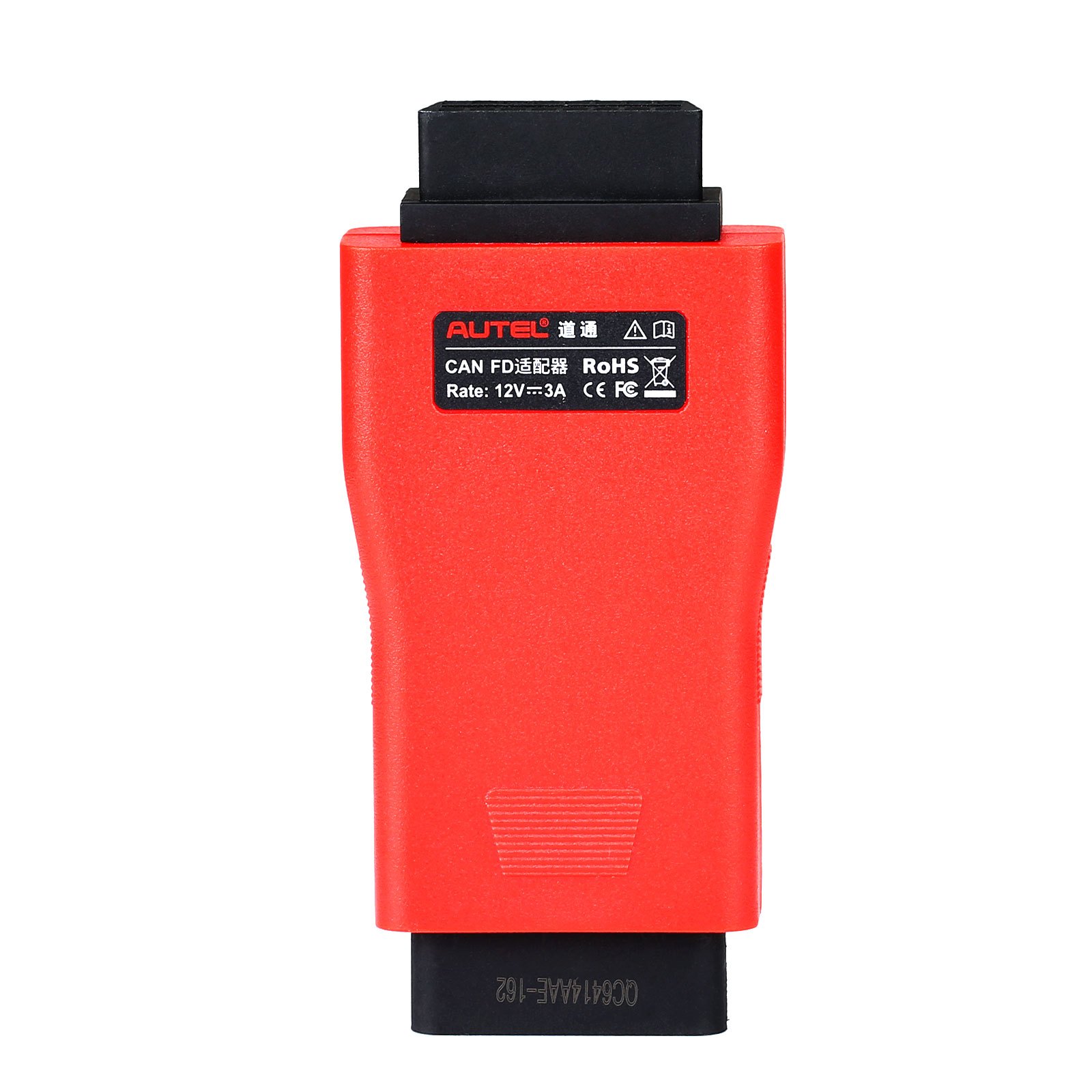
CAN FD arrived on GM and Ford cars around 2020 and older MaxiSys hardware cannot see it without this adapter. It is the genuine Autel part, designed for vehicles using CAN FD.
Specifications
- Vehicles Supported: Designed to support diagnosis of vehicle models with CAN FD protocol, including the MY2020 GM models.
What you get
- 1pc x Autel CAN FD Adapter
- Autel CAN FD Adapter is designed to support diagnosis of vehicle models with CAN FD protocol, used on newer GM and Ford vehicles, it can be compatible with all Autel VCI.
- AUTEL CAN FD Adapter for MaxiSys Series IM508 IM608 Tablets
- The CAN FD Adapter from Autel is designed to connect to compatible vehicle communication interfaces (VCIs) to enable its tablets to communicate via the CAN FD (flexible data-rate) communications protocol and diagnose the vehicle. Vehicles currently using the CAN FD protocol include many General Motors and Ford 2019 and 2020 vehicles. Autel's MX808, MS905, MS906, MS906BT, MS906TS, MS908, MS908S, MS908P, MS908SP, MSELITE, IM508, and IM608 tablets will be able to diagnose CAN-FD equipped vehicles when the adapter is plugged into the VCI directly as in the case of the smaller VCI units or into the OBD-II cable that is connected to the larger VCIs and into the vehicle's OBD-II port.
- Designed to support diagnosis of vehicle models with CAN FD protocol, including the MY2020 GM models.
- Supports GM and Ford vehicles 2019 and later with CAN FD capability
- Compatible with a supported Autel vehicle communication interface (VCI) to communicate with applicable vehicles
- Small size and easy to carry, superior flexibility and durability.
- Compatible with Autel VCI
- Compatible with VCI or VCI/J2534 device included with Gen 1 Autel MaxiSys units: MX808, MS905, MS906, MS906BT, MS906TS, MS908, MS908P, MSELITE
- Compatible with VCI/J2534 device included with the Gen 2 Autel MaxiSys units: MaxiADAS, MS908S, MS908SP, IM508, IM608
- One-year limited warranty
- Cannot Work With AP200 or Maxiflash Pro
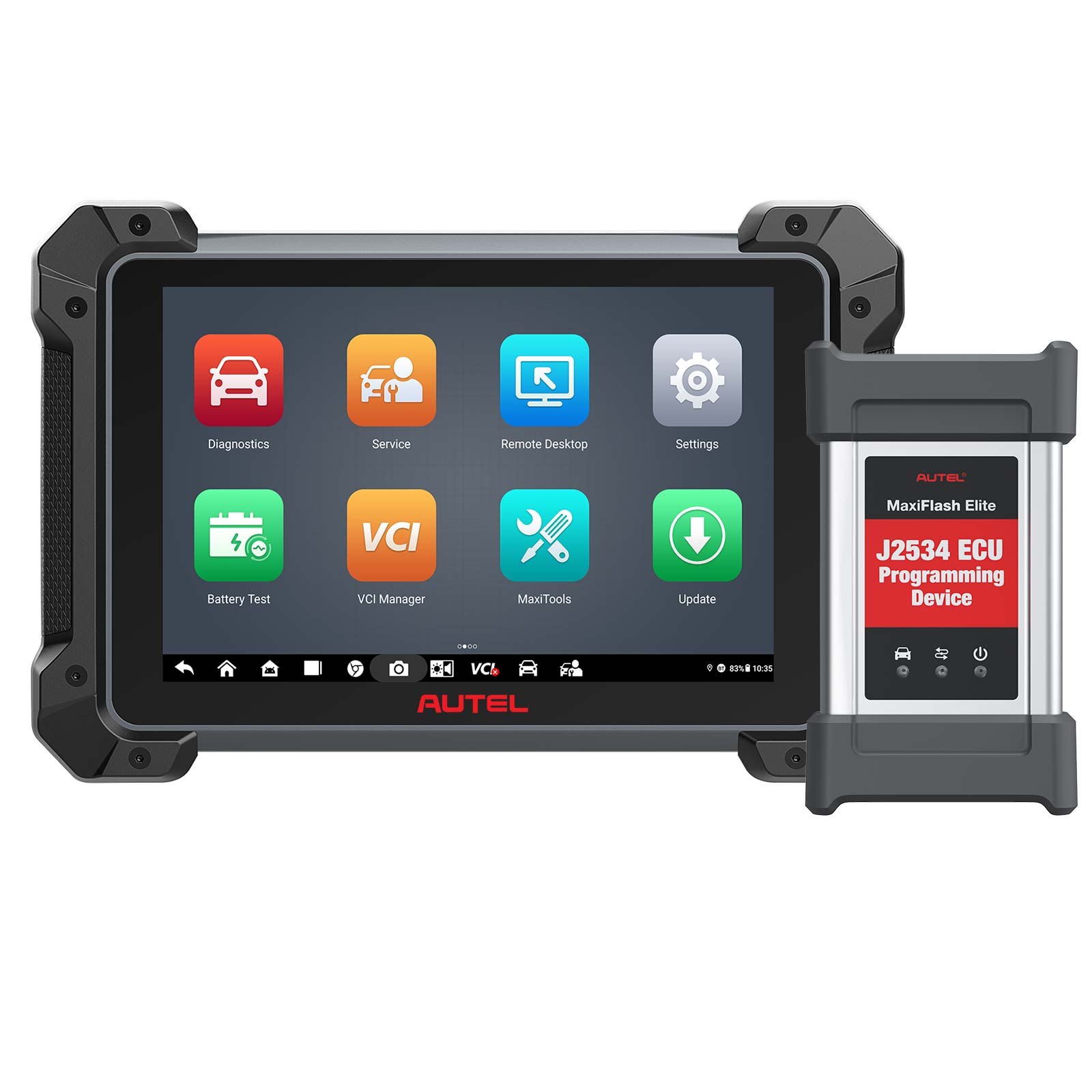
- The CAN FD Adapter is Currently Compatible With Autel's MaxiFlash Elite J2534-VCI, Wireless Diagnostic Interface, VCI 100 and VCI Mini.
- CAN FD Adapter is not required for Ultra, MS919 or MS909. Protocols available in MaxiFlash VCI and MaxiFlash VCMI included with tablet purchase.
- (To update the VCI, use the power supply and plug in the MaxiSYS tablet to electrical outlet. Attach the supplied USB cable to the MaxiSYS tablet. Tap the VCI icon on the Tablet toolbar. Next, tap the VCI firmware version and if an update is available, tap Update for the new version to install. A progress bar will display as the update is installed. Once completed, follow the instructions displayed and reboot the VCI by deteching the USB cable from the VCI and then plug the USB cable back into the VCI. The tabler will then connect to the VCI. A message will display once the VCI update is completed.)
- 2020+ Corvette
- 2020+ Cadillac CT5
- 2020+ Cadillac CTS4
- 2021+ Large SUVs
- 2018+ Expedition/Navigator
- 2018+ EcoSport
- 2019+ Ranger
- 2020+ Transit
- 2019+ Transit Connect
- 2020+ Explorer/Aviator
- 2020+ Super Duty
- 2020+ Escape/Corsair
- CAN FD Adapter not required for Autel Gen 3 units: Ultra, MS919 or MS909.
- Can't work togther with AP200
- ( To update the VCI, use the power supply and plug in the MaxiSYS tablet to electrical outlet. Attach the supplied USB cable to the MaxiSYS tablet. Tap the VCI icon on the Tablet toolbar. Next, tap the VCI firmware version and if an update is available, tap Update for the new version to install. A progress bar will display as the update is installed. Once completed, follow the instructions displayed and reboot the VCI by deteching the USB cable from the VCI and then plug the USB cable back into the VCI. The tabler will then connect to the VCI. A message will display once the VCI update is completed.)
Works with the MaxiSys series including IM508 and IM608. Without it, a tool that is otherwise current will simply fail to communicate on affected cars, so it is worth having before you meet one.
Specifications
| Brand | Autel |
|---|---|
| Type | Original Autel Tool |
| Part number | SO534-CN |
| Condition | New |
Shipping and returns
Orders leave the warehouse within one business day. Delivery then takes 7 to 20 days. Orders over $150 ship free.
Not right for you? You have 30 days from delivery, with no restocking fee. See the full returns policy.