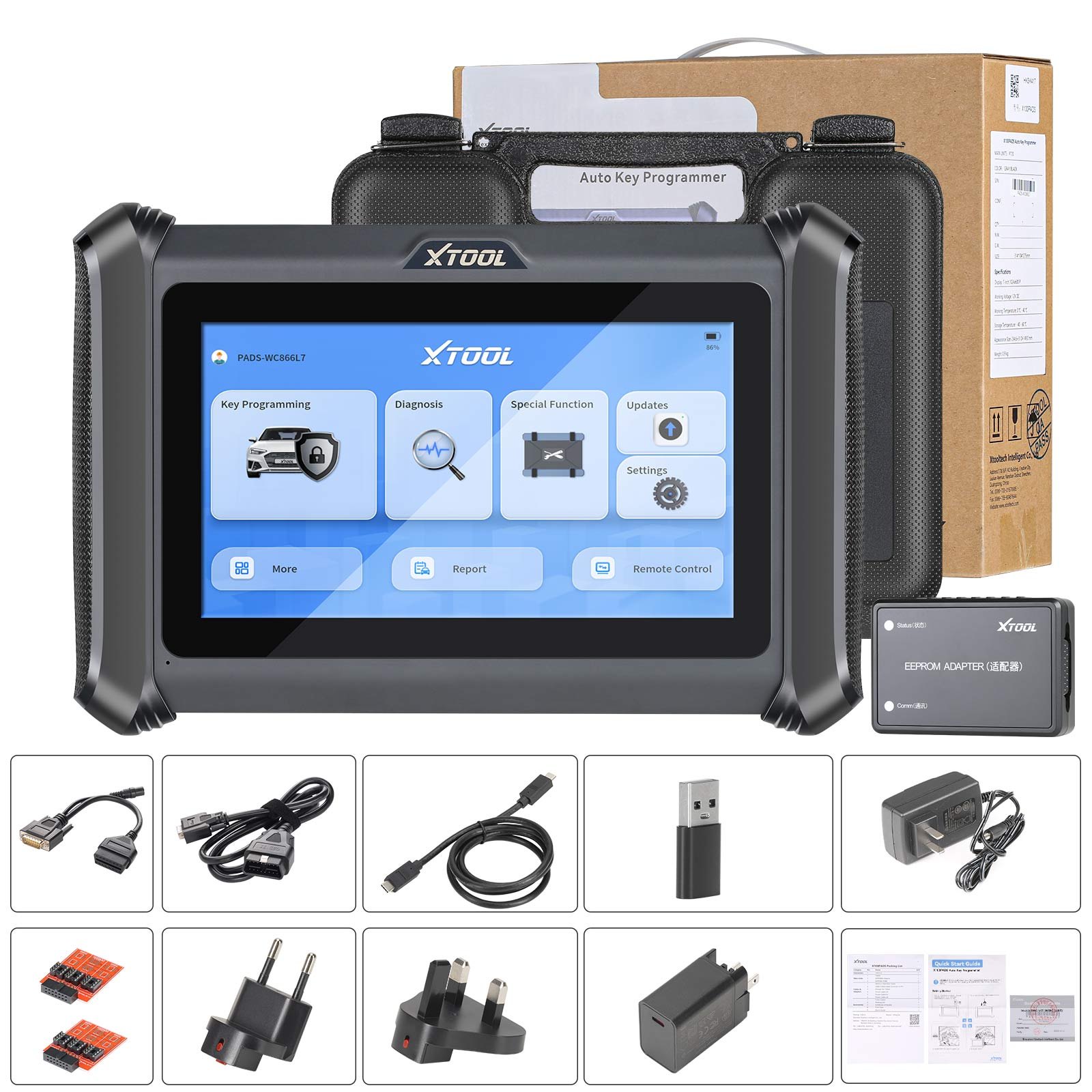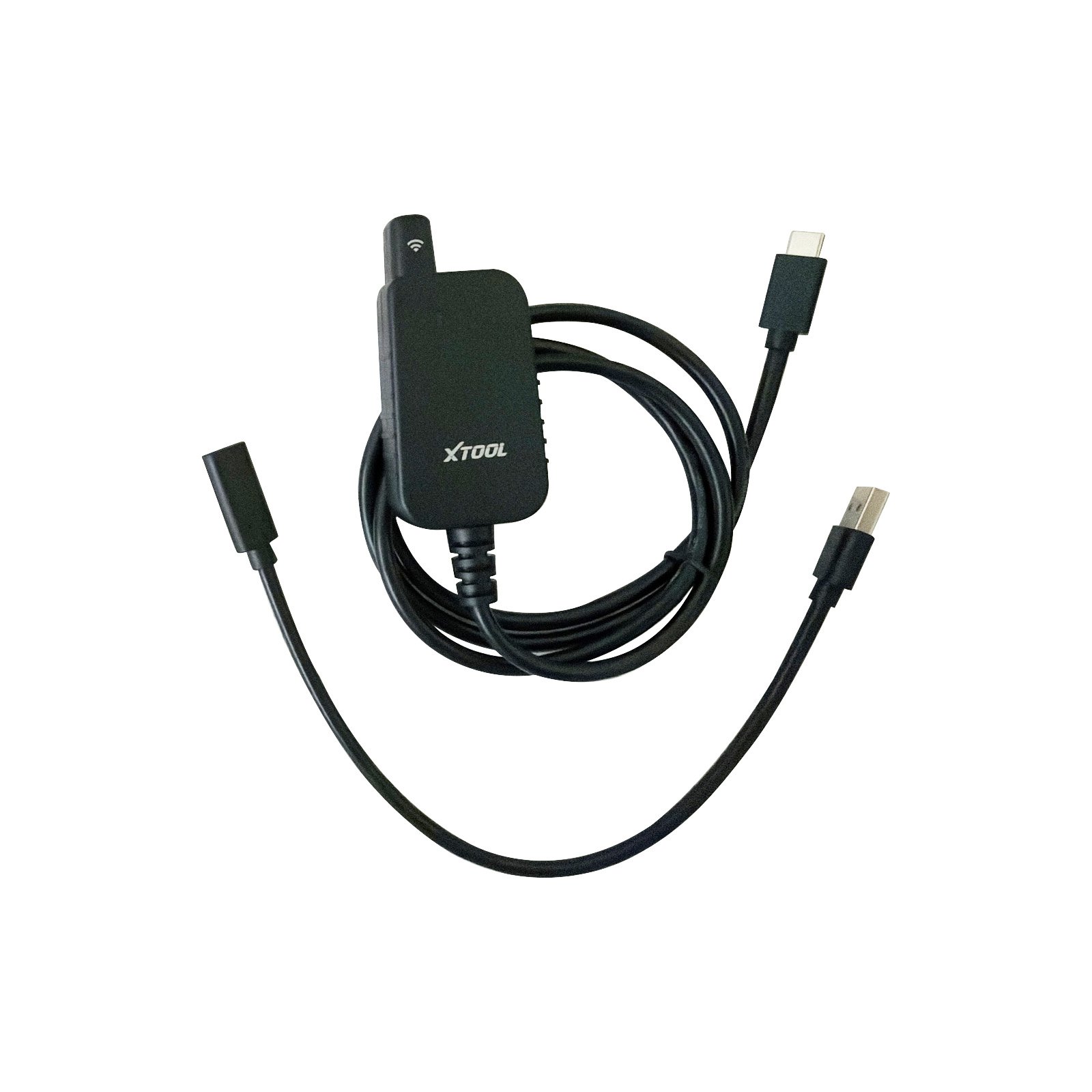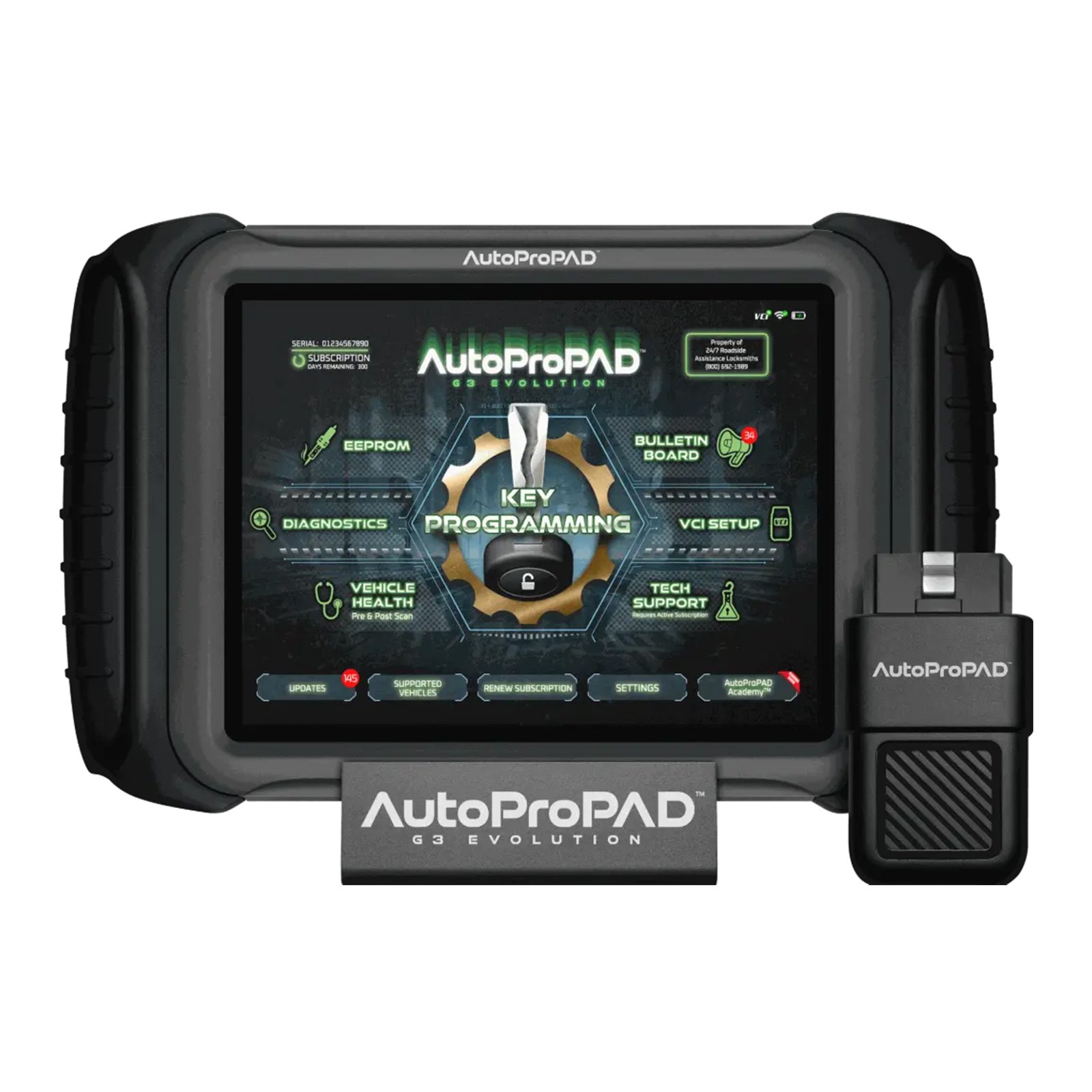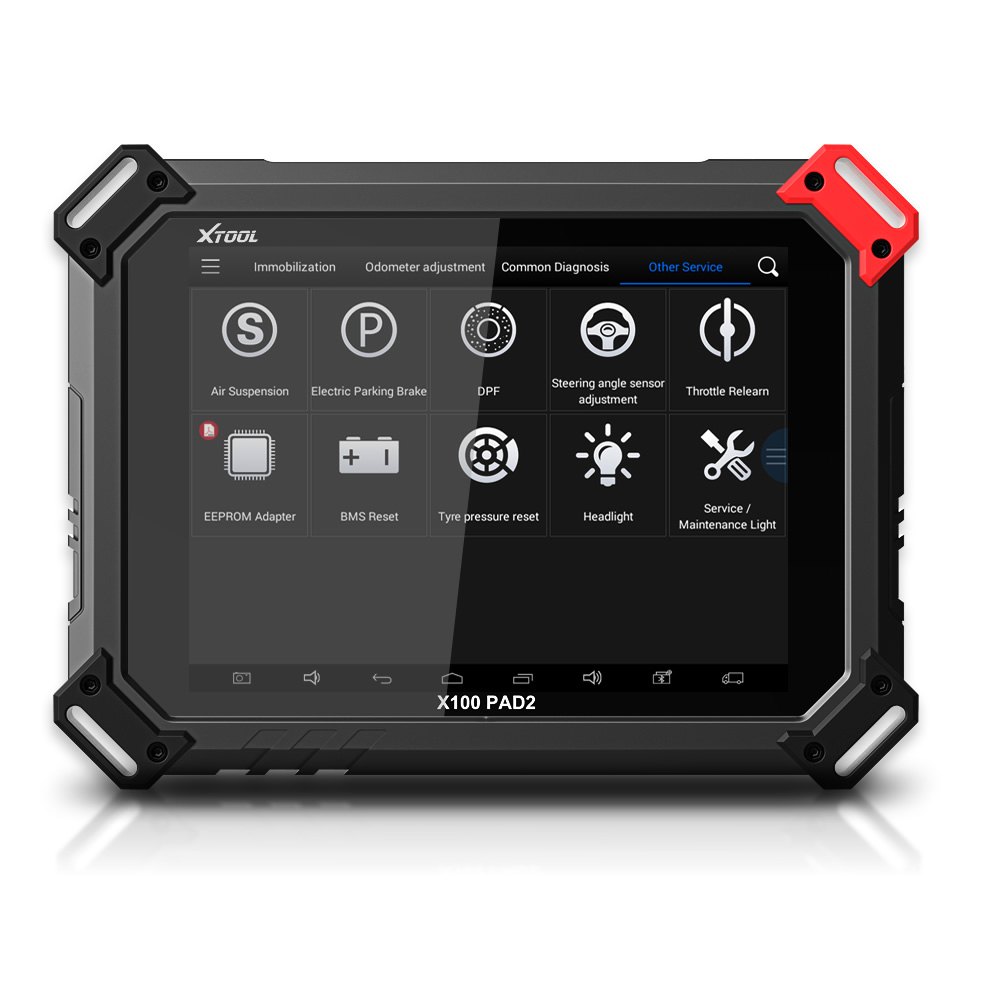
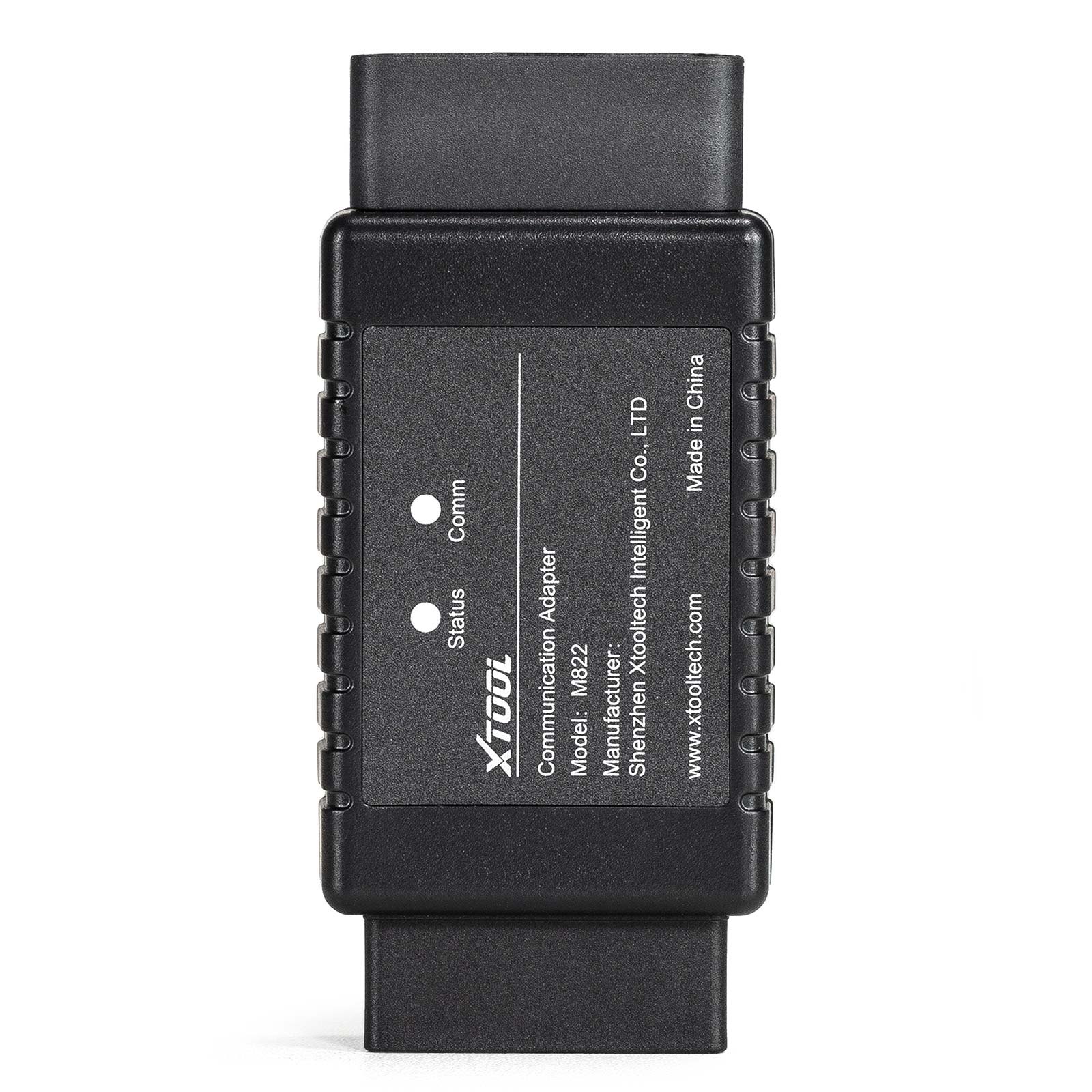
XTOOL M821 M822 Mercedes-Benz Adapter Work with KC501/X100 Pad3/X100 Max Key Programmer For Mercedes-Benz All Keys Lost
In stock, delivery 7 to 20 days
- Free US shipping over $150
- Secure checkout via Stripe
- 30 day returns, no restocking fee
Buying for the trade? Ask for a written quote on quantity.
Description
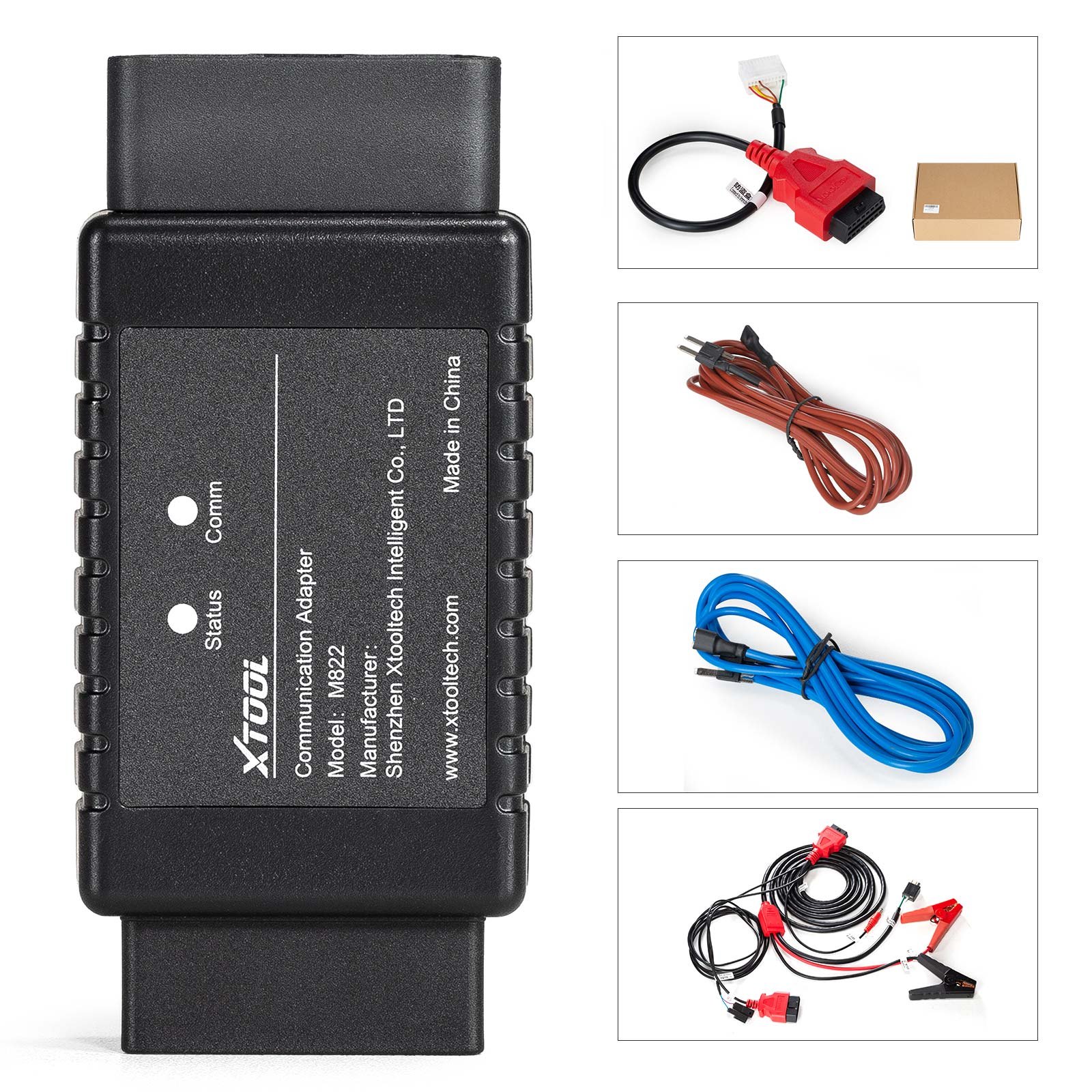
An XTOOL M821 and M822 Mercedes-Benz adapter working with the KC501, X100 PAD3 and X100 MAX for Mercedes-Benz all keys lost. The OBD-16 port takes the J1Z02_BENZ communication cable, the DB15 port takes the tablet main cable, a red status light shows power and a blue comm light shows communication.
Specifications
- OBD-16 port: Used to connect to J1Z02_BENZ communication cable or connect to EIS/EZS modules via DuPont cables.
- Caution: Don't connect to the OBD port on the car directly.
- Status Light: Shows the power status of the adapter. When the red lights are on, that indicates the power is on.
- Comm Light: Shows the communication status of the adapter. When the blue lights are on, that indicates the adapter is communicating with the tablet.
- DB15 port: Used to connect to the main cable of XTOOL tablets.
- Note: Before connected to M821 Adapter, please disconnect the OBD2-16 connector from the main cable.
- Note: Please check the pictures in the device when connecting M821 Adapter and EIS/EZS module via J1K02_BENZ cable.
- Note: The Mercedes-Benz IR emulator should be plugged into the slot of the module when operating.
- Note: For devices which comes up with a VCI box, connect the M821 Adapter with the VCI box using the main cable, and keep the VCI box connected with the device via Bluetooth.
What you get
- 1pc x Mercedes-Benz AKL Adapter
- 1pc x J1K02_BENZ Wiring Harness
- 1pc x M821 Quick Guide
- XTOOL M821 M822 Mercedes-Benz All Keys Lost Communication Adapter is used for finishing and optimizing all key lost programming for multiple Mercedes-Benz modules. With M821 Adapter, you can save as much as 65% of the calculation time on the process, or save you from plugging the key emulator in and out for hundreds of times.
- XTOOL M821 M822 Adapter Work with KC501/X100 Pad3/X100 Max Key Programmer For Mercedes-Benz All Keys Lost
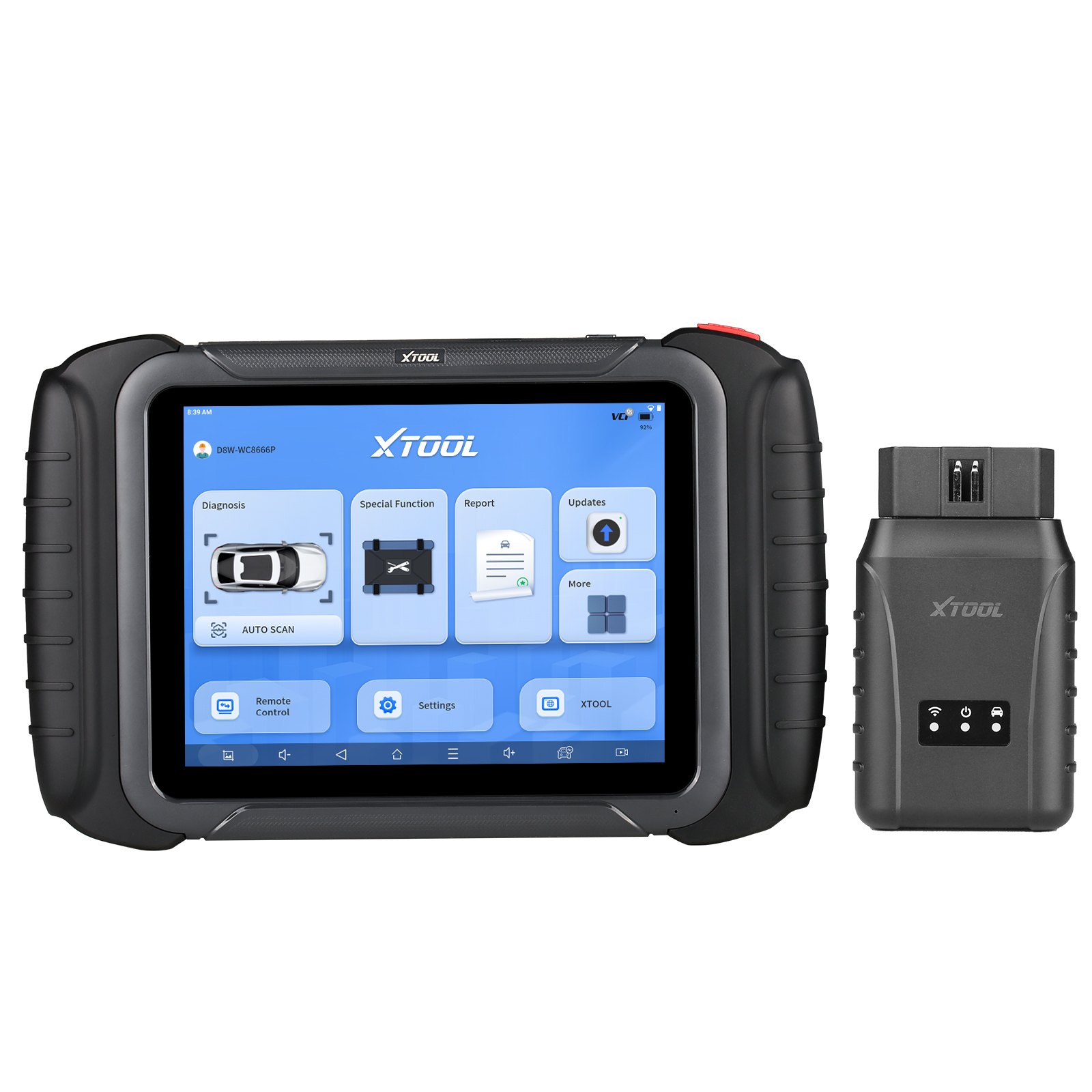
- Need to work with XTOOL KC501, PAD3, PAD3 SE
- Please first update your Mercedes-benz Key programming software to the latest version 27.10
- Mercedes-Benz all key lost programming functionis should be done online. Please make sure that you are connecting to a table network when processing.
- XTOOL M821 Adapter Connection Method
- Connect KC501 to the device via USB.
- Connect Mercedes-Benz IR emulator onto KC501.
- Disconnect the OBD2 connector from the main cable, then connect the device (or the VCI box) with the M821 Adapter using the main cable.
- Connect 12V power supply onto the main cable.
- Connect the EIS/EZS module with the M821 Adapter using the J1K02_BENZ cable. Please check the device for connection details.
- You can check the connection details for such devices in the device.
- XTOOL M821 Adapter Support EIS Modules
- W164(OLD) W166 W204 W212(NEW)
- W164(NEW) W216 W221 W211
XTOOL warn against connecting the OBD-16 port straight to the car, and the IR emulator has its own slot.
Specifications
| Brand | XTOOL |
|---|---|
| Type | Auto Key Programmer |
| Part number | SK386-B |
| Condition | New |
| Version | Mercedes-Benz Adapter, TOYOTA Adapter |
| Price range | $307.99 to $397.99 |
Shipping and returns
Orders leave the warehouse within one business day. Delivery then takes 7 to 20 days. Orders over $150 ship free.
Not right for you? You have 30 days from delivery, with no restocking fee. See the full returns policy.