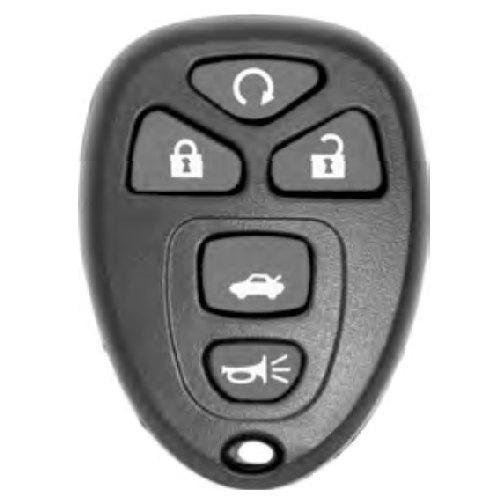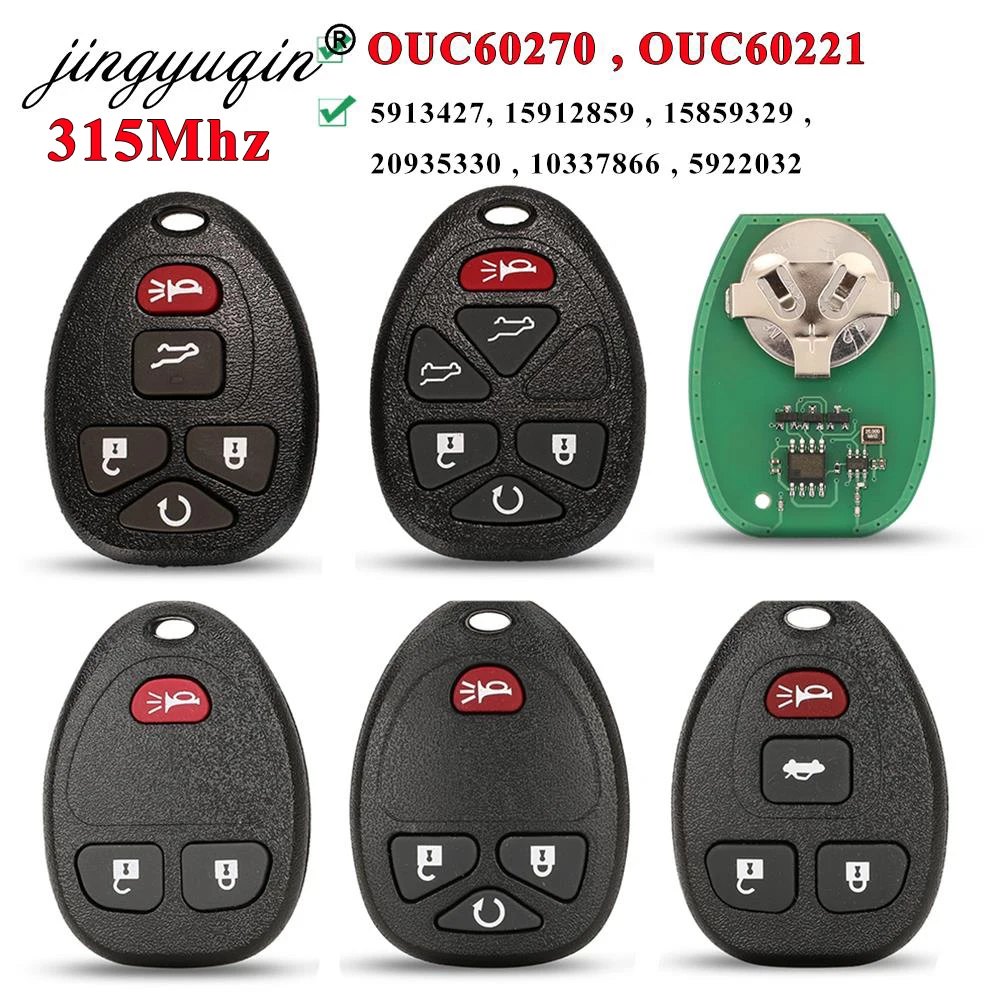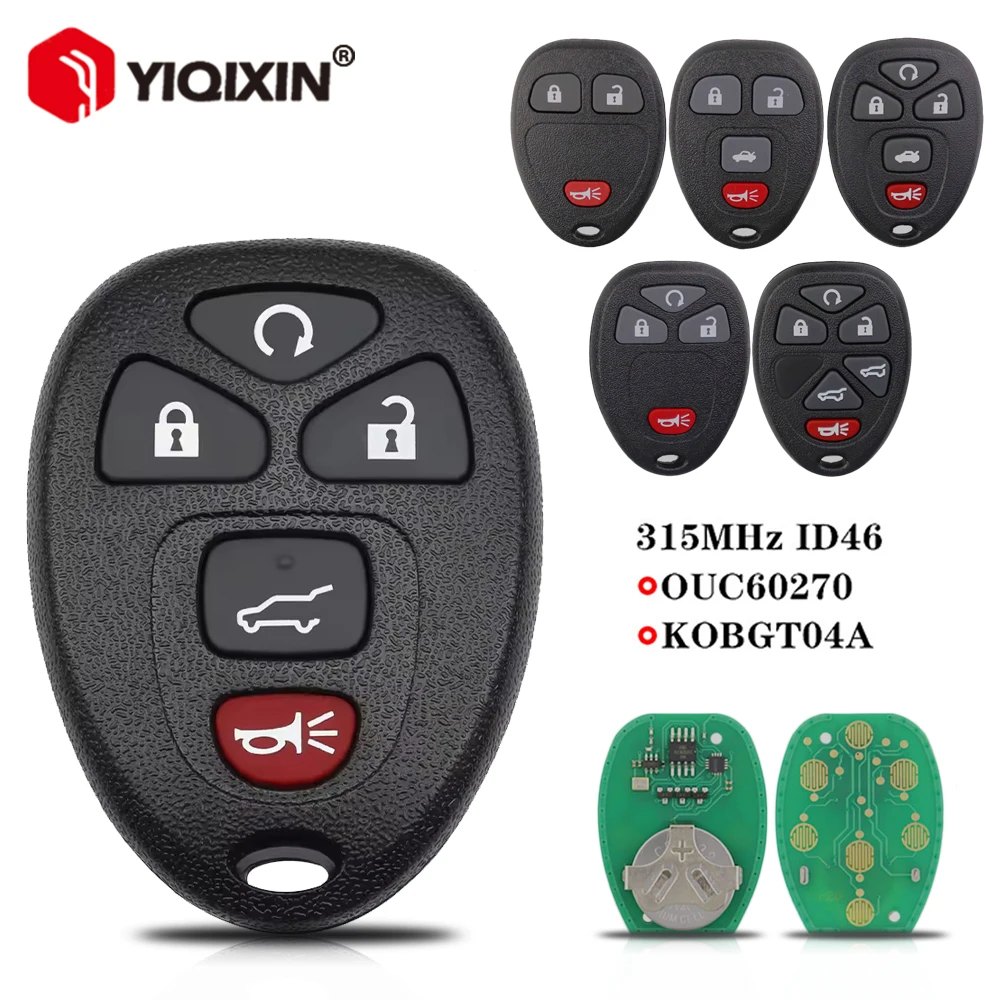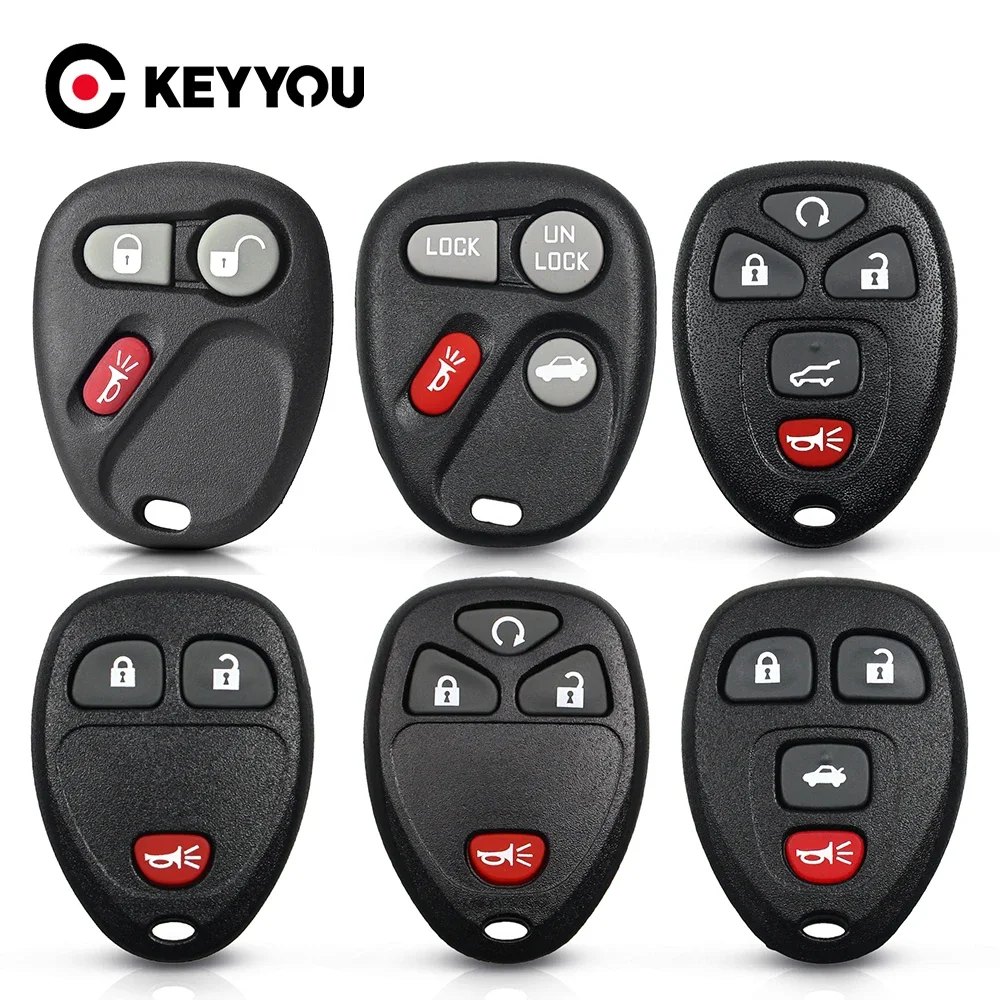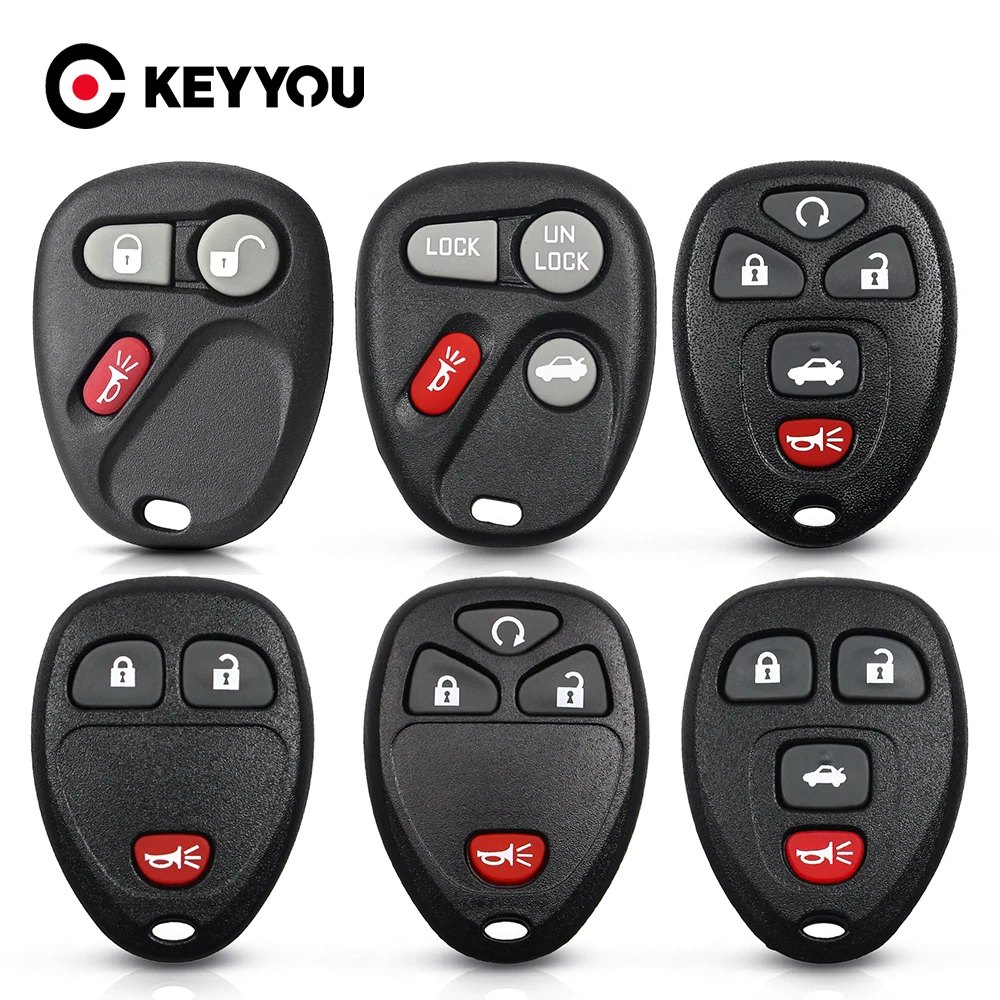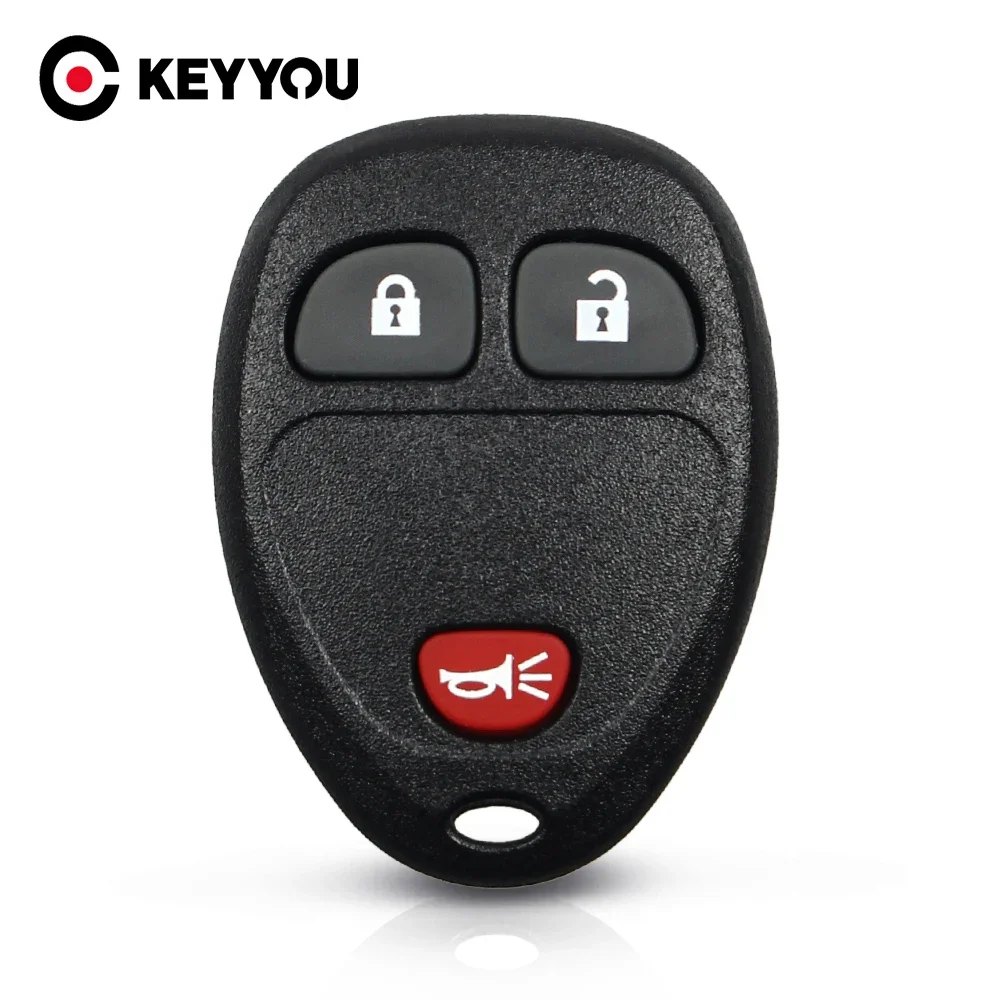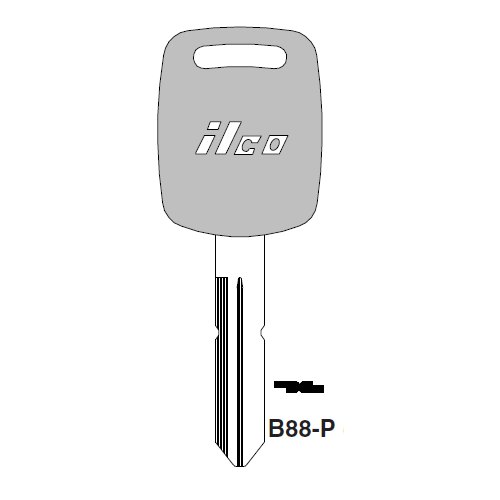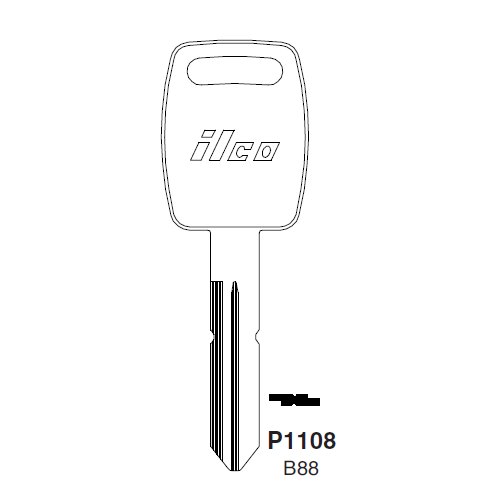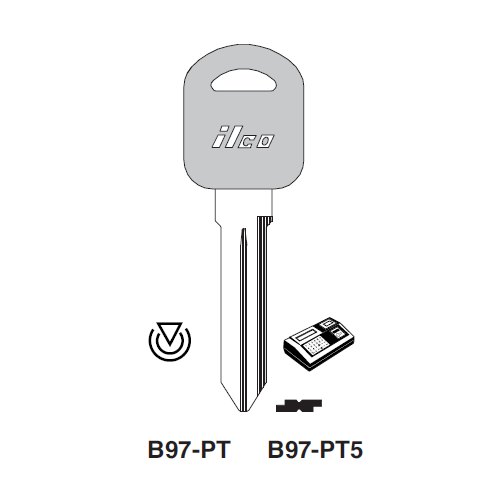
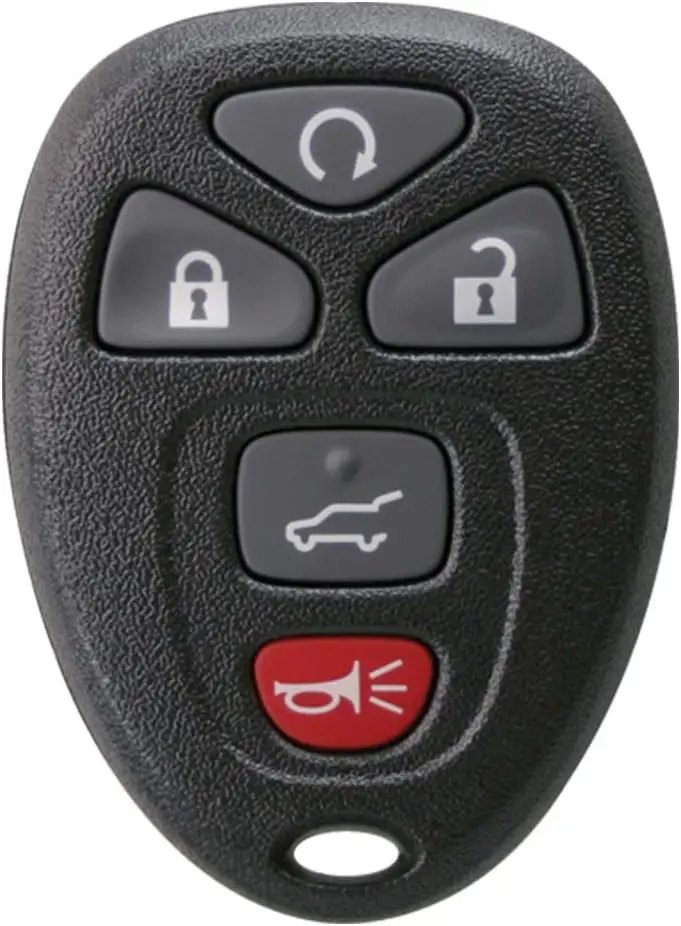
Keyless2Go Replacement for New Keyless Entry 5 Button Remote Start Car Key Fob for Select Cadillac Chevrolet Buick GMC & Saturn
Item #3256812798504646
- Buttons
- 5
In stock, delivery 7 to 14 days
- Free US shipping over $150
- Secure checkout via Stripe
- 30 day returns, no restocking fee
Buying for the trade? Ask for a written quote on quantity.
Description
-
How did we get our start?
I realized there was no affordable solution for replacement keys and remotes for the average person. That was the moment that changed my life and when Keyless2Go was born.
What makes our products unique?
From basic car keys to the latest "Smart Keys", we make the highest quality replacements on the market. Our remotes are all lab tested to ensure proper functioning and durability.
Why do we love what we do?
Working with the team, here at Keyless2Go, we really treasure and are thankful for all the feedback we receive from our customers.
Self-Programmable Remote Car Key Replacement
An inexpensive replacement for your original remote key fob, the Keyless2Go car key replacement is self-programmable for vehicles up to 2010* and comes with easy do-it-yourself instructions to help you program your new car keyless entry on a wide variety of vehicles from Buick, Chevrolet, and GMC. Each fob key has been pre-tested to ensure functionality and that signals are transmitted properly. Every remote key fob comes complete with batteries and access to customer support to help get your new smart key working.
Please note: vehicles 2011 and up require programming by a dealer or an automotive locksmith.
Compatible with:
2008-2017 Buick Enclave
2007-2010 Cadillac Escalade
2010-2010 Chevrolet Equinox
2007-2014 Chevrolet Suburban
2007-2014 Chevrolet Tahoe
2009-2017 Chevrolet Traverse
2007-2016 GMC Acadia
2007-2013 GMC Yukon
2007-2010 Saturn Outlook
How to Program your Keyless2Go Key Fob Replacement (Up To 2010*):
Option 1 (for vehicles with the Driver Information Center)
1. Insert the key and switch the ignition ON (just shy of starting the vehicle without cranking the engine)
2. Press the vehicle information button until the PRESS TO RELEARN REMOTE KEY is displayed.
3. Press the set/reset button (button will have a checkmark) until REMOTE KEY LEARNING ACTIVE is displayed. The vehicle is now in programming mode.
4. Press and hold LOCK and UNLOCK buttons at the same time on first remote for approximately 15 seconds. An acoustic signal willbe heard indicating successful programming.
5. Repeat step 4. to program additional remotes. You can have up to 8 programmed remotes for this vehicle. You must program ALLremotes including existing remotes.
6. To exit programming mode turn ignition OFF, remove key and test all remotes.
Option 2 (for vehicles without the Driver Information Center)
1. Insert key into the ignition and turn to ON (Just shy of starting vehicle without cranking engine).
2. Press the trip odometer reset button until RELEARN REMOTE KEY is displayed.
3. Press and hold the trip odometer reset button for approximately 3 seconds until REMOTE KEY LEARNING ACTIVE displays.
4. Press and hold LOCK and UNLOCK buttons at the same time on first remote for approximately 15 seconds. An acoustic signal willbe heard indicating successful programming.
5. Repeat step 4. to program additional remotes. You can have up to 8 programmed remotes for this vehicle. You must program ALLremotes including existing remotes.
6. To exit programming mode turn ignition OFF, remove key and test all remotes.
Specifications
| Buttons | 5 |
|---|---|
| Type | Automotive Key |
| Condition | New |
Shipping and returns
Orders leave the warehouse within one business day. Delivery then takes 7 to 14 days. Orders over $150 ship free.
Not right for you? You have 30 days from delivery, with no restocking fee. See the full returns policy.