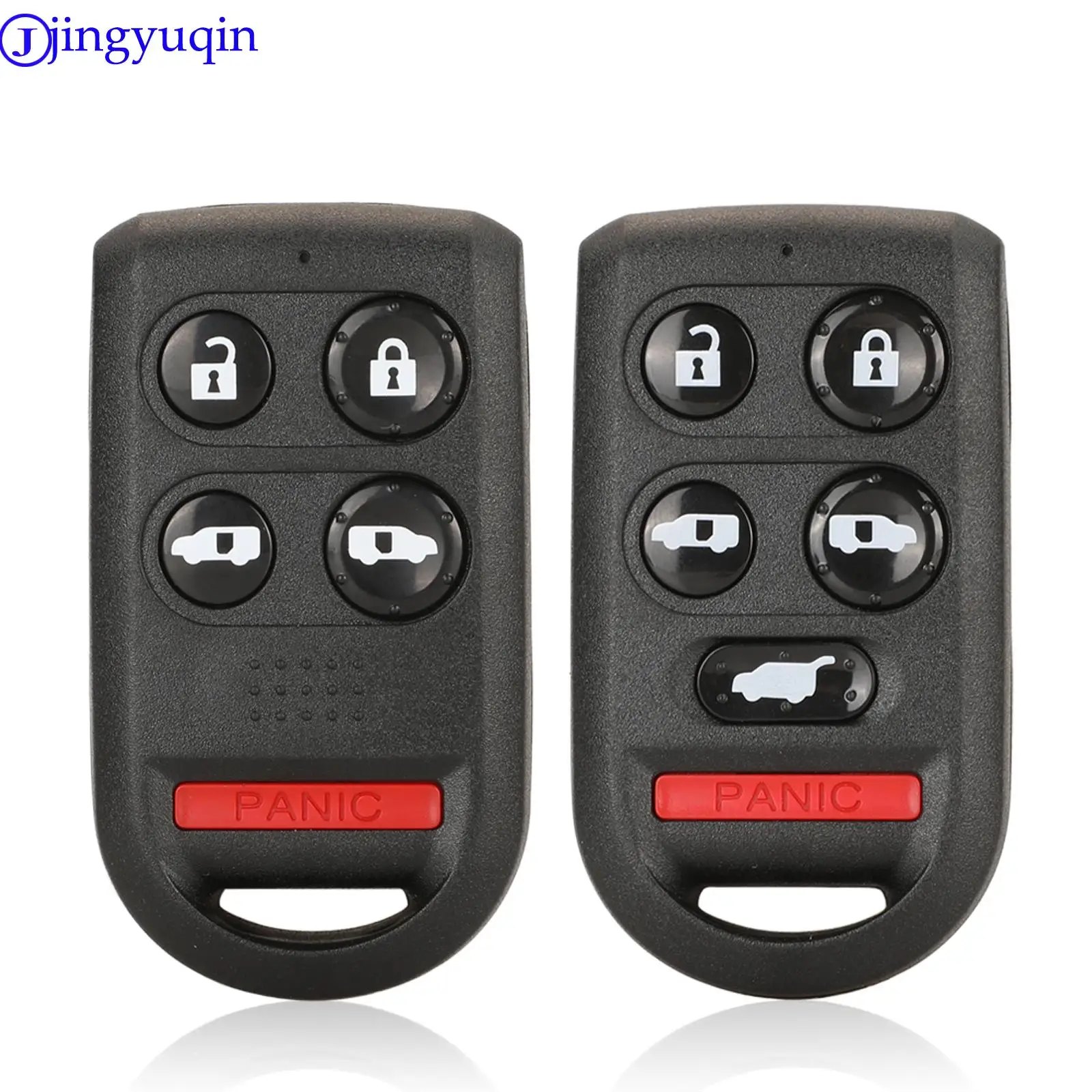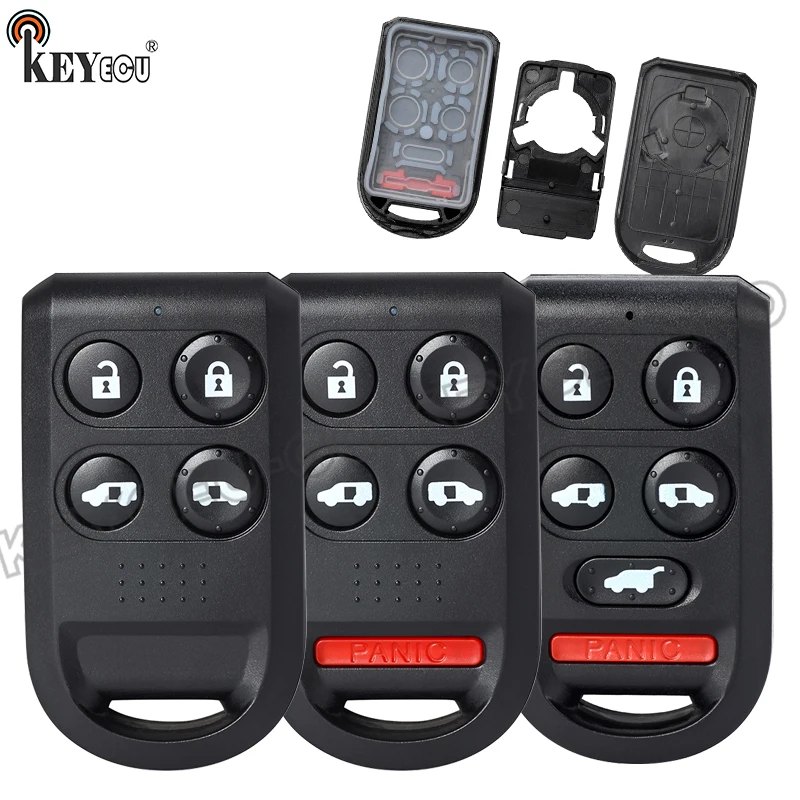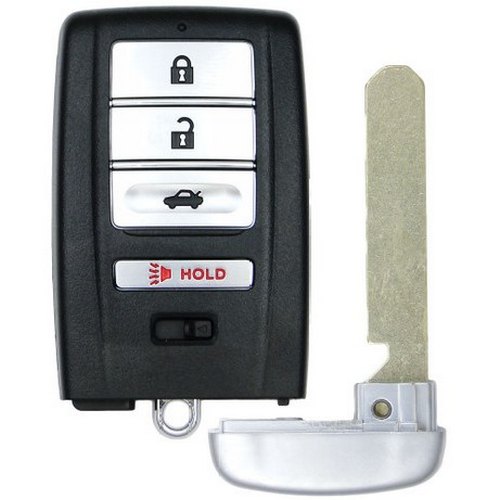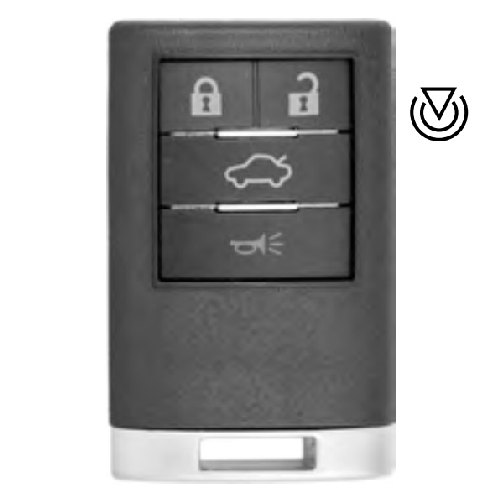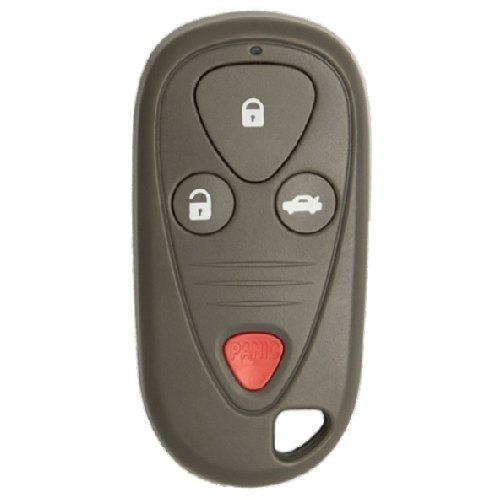
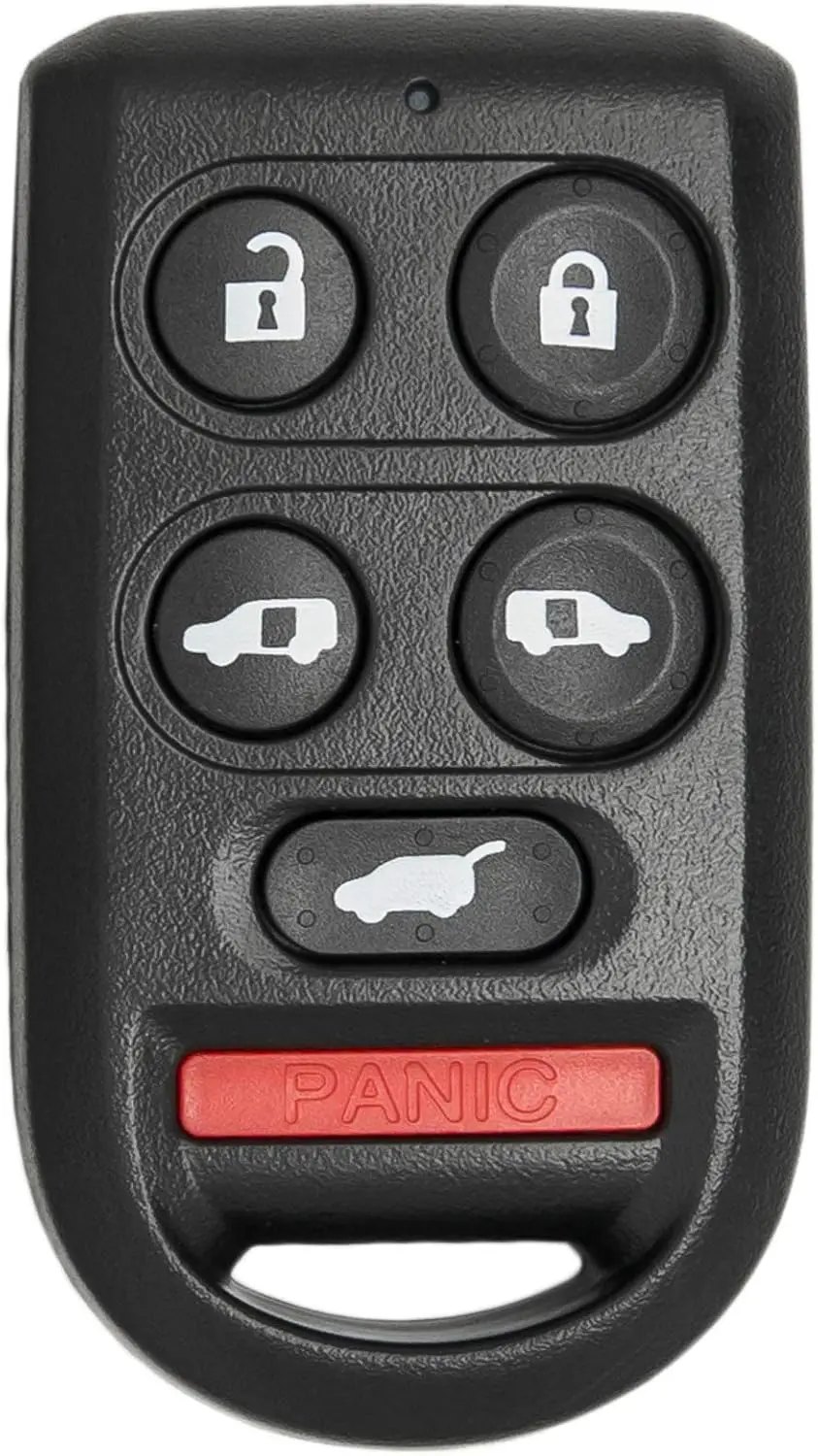
Keyless2Go 6‑Button Key Fob OUCG8D‑399H‑A 72147‑SHJ‑A61 for Honda Odyssey
Item #3256812766999094
In stock, delivery 7 to 14 days
- Free US shipping over $150
- Secure checkout via Stripe
- 30 day returns, no restocking fee
Buying for the trade? Ask for a written quote on quantity.
Description
-
How did we get our start?
I realized there was no affordable solution for replacement keys and remotes for the average person. That was the moment that changed my life and when Keyless2Go was born.
What makes our products unique?
From basic car keys to the latest "Smart Keys" we make the highest quality replacements on the market. Our remotes are all lab tested to ensure proper functioning and durability.
Why do we love what we do?
Working with the team, here at Keyless2Go, we really treasure and are thankful for all the feedback we receive from our customers.
A brand new high quality replacement keyless entry remote key fob for select 2005 2006 2007 2008 2009 2010 Honda Odyssey
key, fob, keyless, entry, replacement, remote, transmitter, 2005, 2006, 2007, 2008, 2009, 2010, Honda Odyssey OUCG8D-399H-A 72147-SHJ-A61
An inexpensive replacement for your original remote key fob, the Keyless2Go car key replacement is self-programmable and comes with easy do-it-yourself instructions to help you program your new car keyless entry on your Honda Odyssey Vehicle. Each fob key has been pre-tested to ensure fitment and that signals are transmitting properly. Every remote key fob comes complete with batteries and free tech support to help get your new smart key working
Compatible with:
2005-2010 Honda Odyssey
HONDA ODYSSEY REMOTE PROGRAMMING
Entering the programming mode cancels all learned keyless remotes, so none of the previously programmed remotes will work. You must reprogram all of the keyless remotes once you are in the programming mode. You must complete each step within 5 seconds of the previous step to keep the system from exiting the programming mode.
Note: a maximum of 3 remote transmitters can be programmed.
Make sure all the doors are CLOSED and UNLOCKED before starting this programming procedure.
1. Turn ignition switch to ON (II) – dash lights turn on 2. Press the LOCK or UNLOCK button on one of the remotes. (An non programmed remote can be used for this step.) 3. Turn ignition switch to ACCESSORY (I) or LOCK (O) – dash lights go off
4. Turn ignition switch to ON (II) 5. Press the LOCK or UNLOCK button on one of the remotes. 6. Turn ignition switch to ACCESSORY (I) or LOCK (O)
7. Turn ignition switch to ON (II) 8. Press the LOCK or UNLOCK button on one of the remotes. 9. Turn ignition switch to ACCESSORY (I) or LOCK (O)
10. Turn ignition switch to ON (II) 11. Press the LOCK or UNLOCK button the same remote. Make sure the power door locks cycle to confirm you are in programming mode.
12.Press the LOCK or UNLOCK button on each remote you want to program. Make sure door locks cycle after you push each remote button to confirm system has accepted the remote. 13.Turn the ignition switch to LOCK (O) to exit programming mode.
14. Test remote(s)
Shipping and returns
Orders leave the warehouse within one business day. Delivery then takes 7 to 14 days. Orders over $150 ship free.
Not right for you? You have 30 days from delivery, with no restocking fee. See the full returns policy.
Other options for this part
Different makes and price points against the same reference.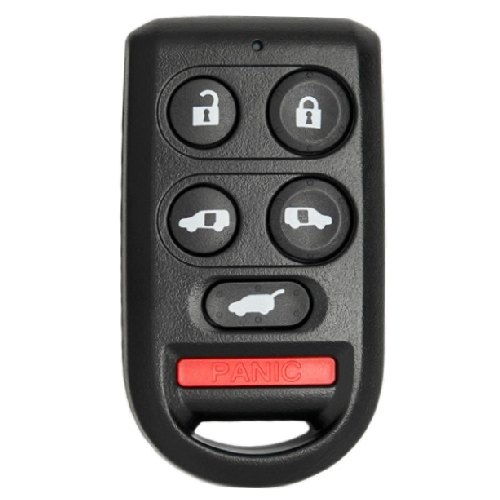
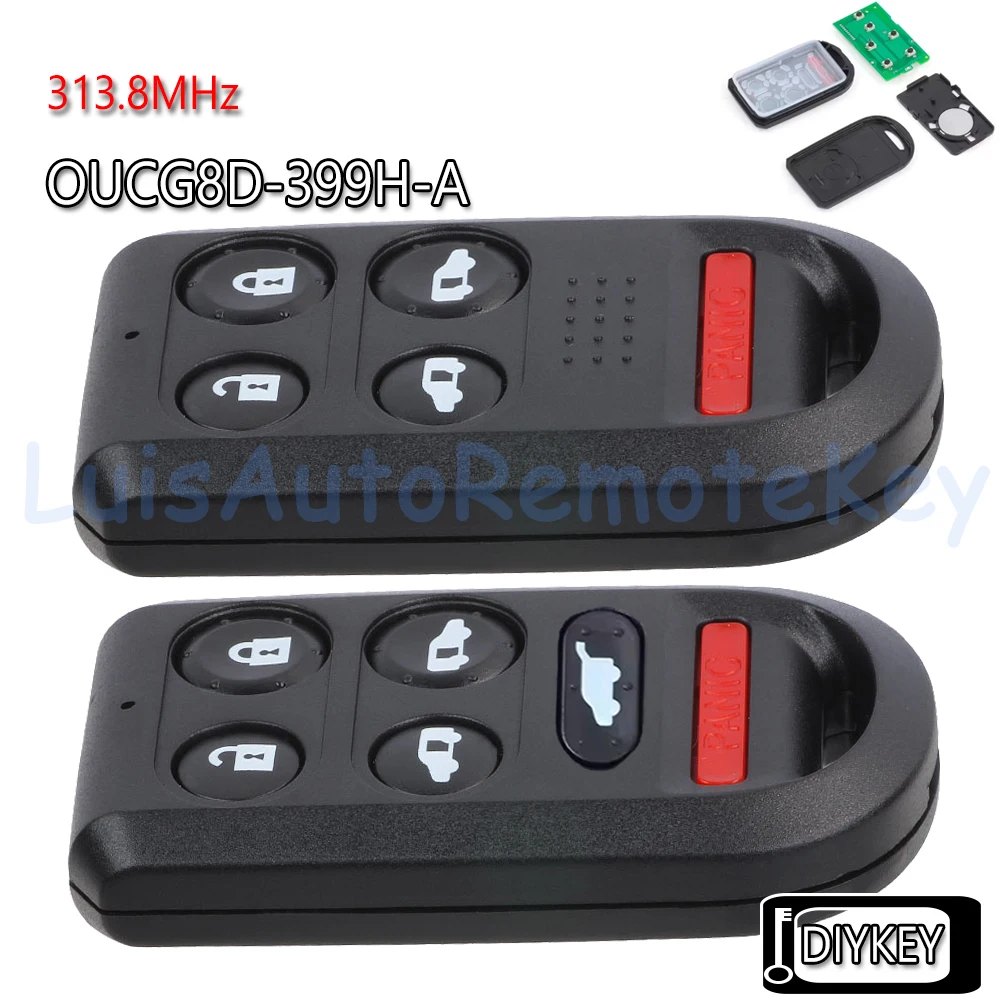
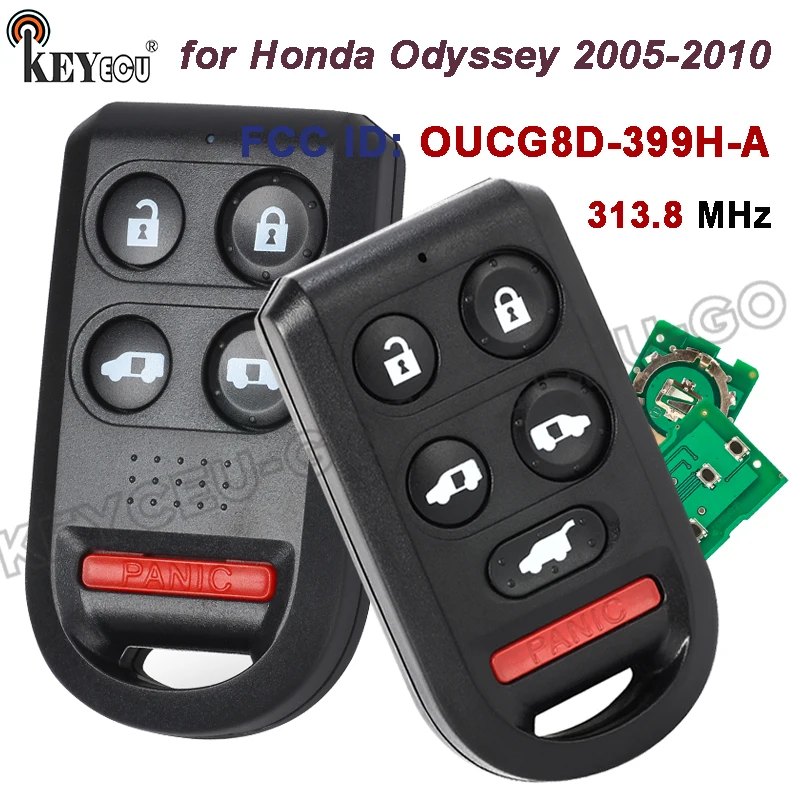
KEYECU
KEYECU 313.8MHz OUCG8D-399H-A Remote Key Fob 5 / 6 Buttons for Honda Odyssey 2005 2006
- 313.8MHZ
From $12.99
Choose options