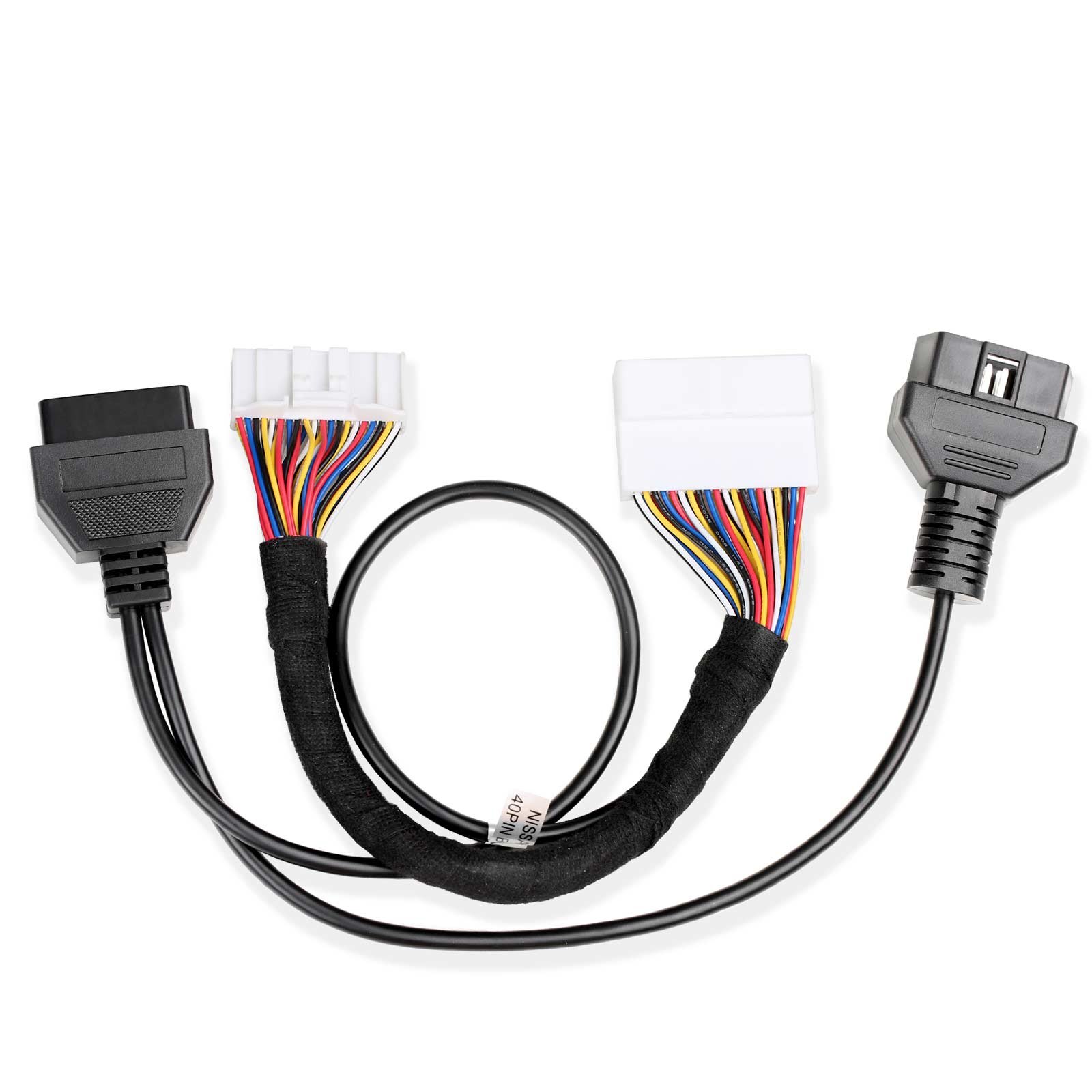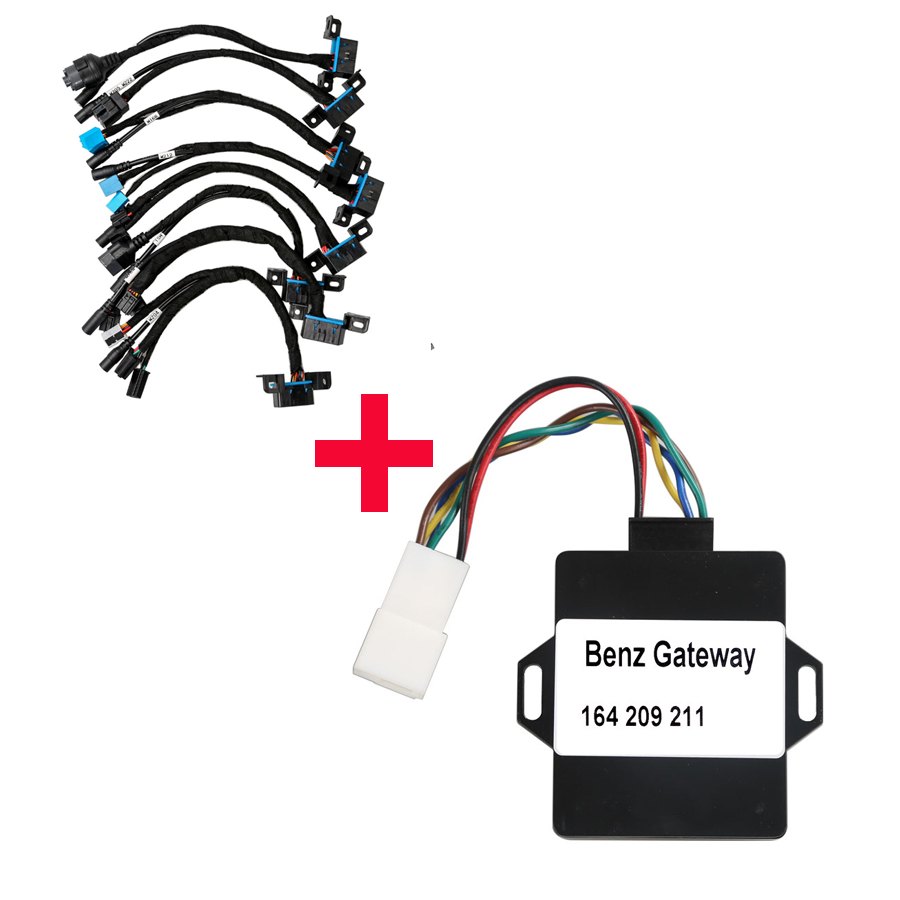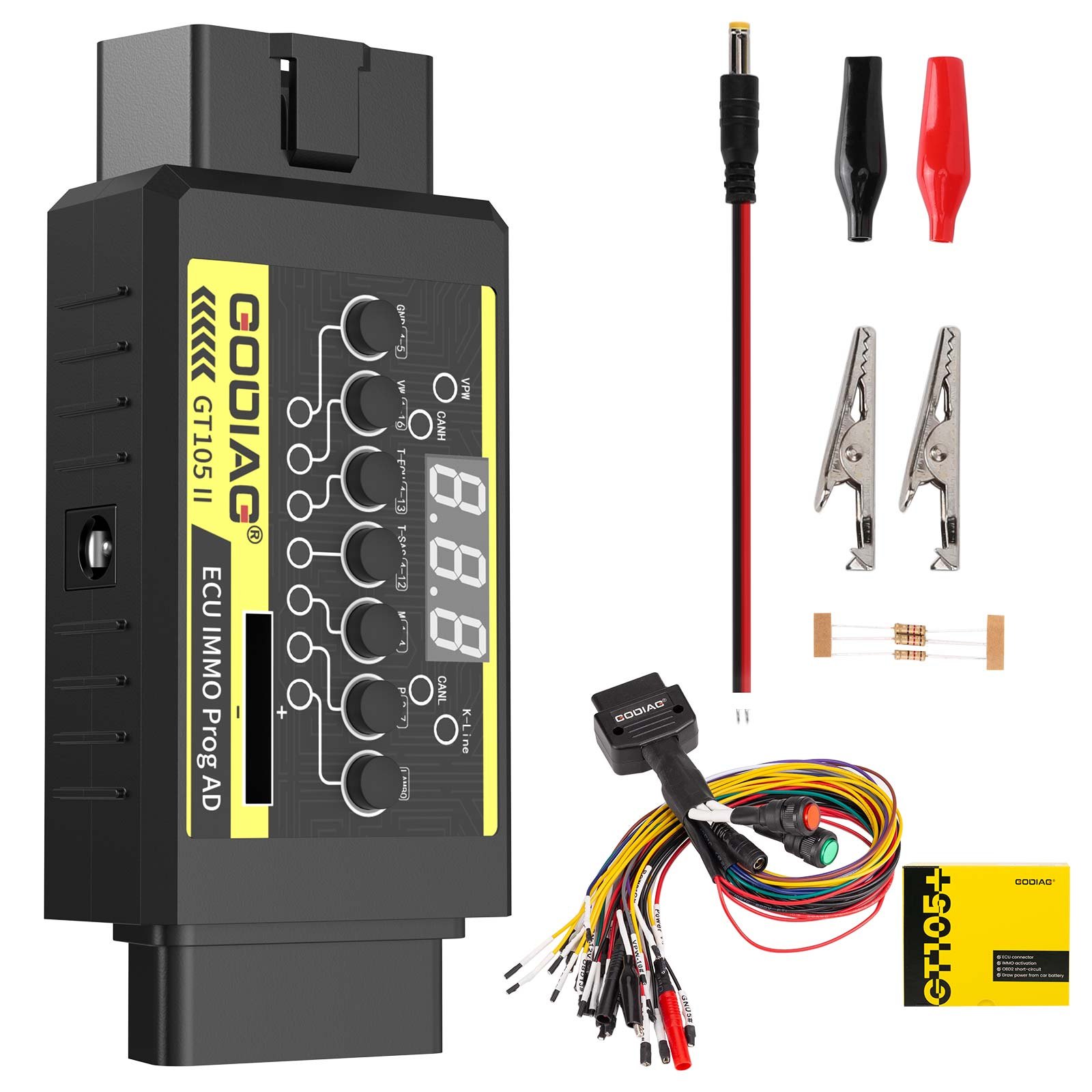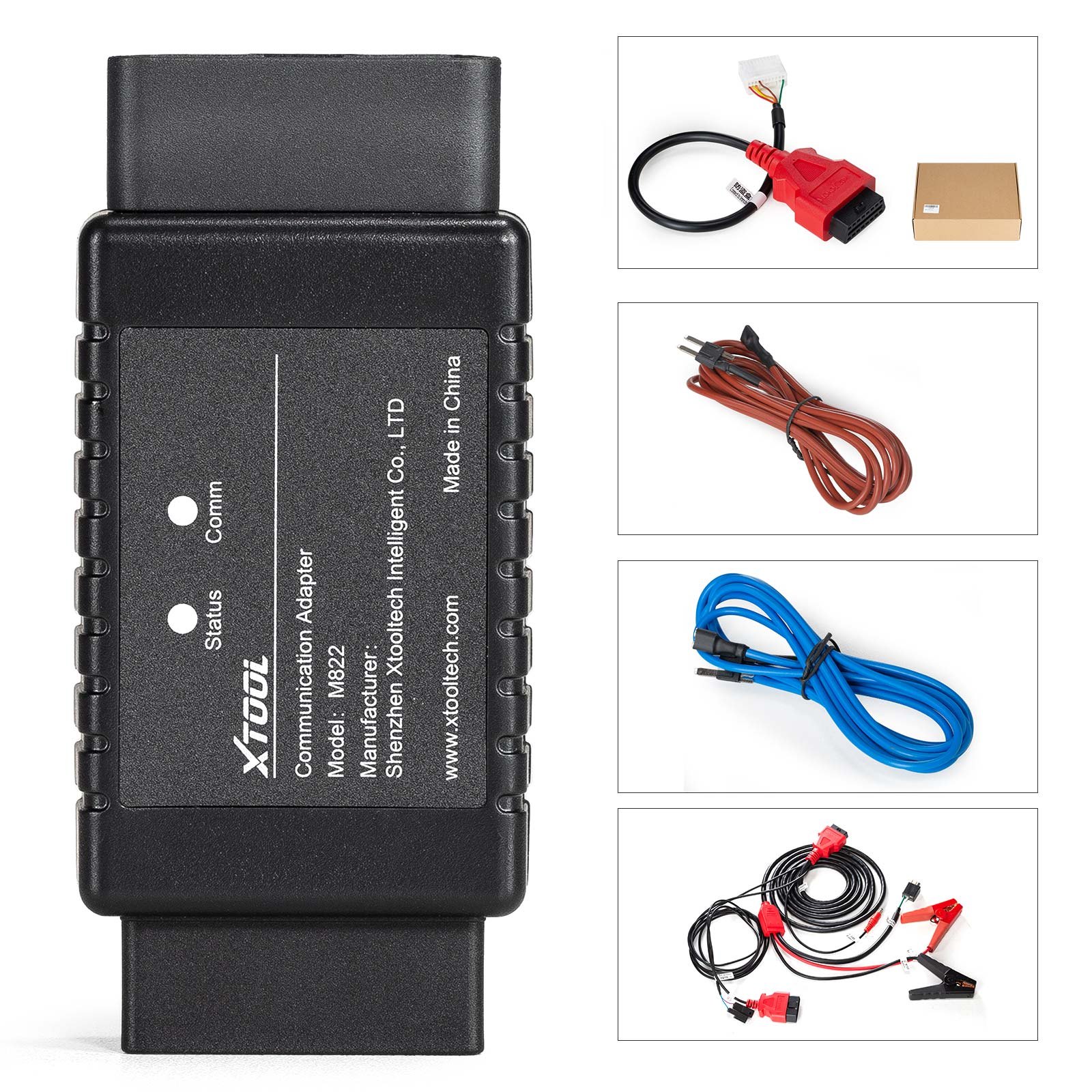
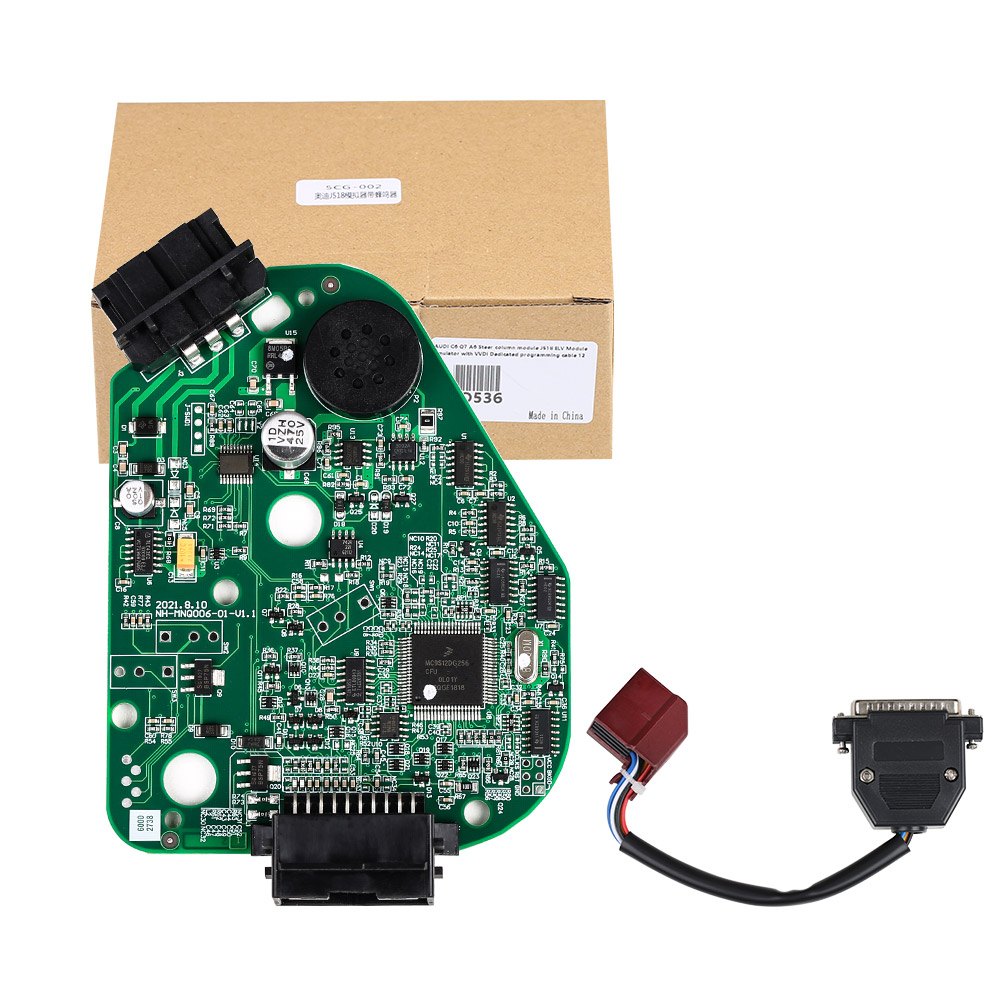
AUDI C6 Q7 A6 Steer Column Module J518 ELV Module Emulator with VVDI Dedicated Programming Cable
$153.45
In stock, delivery 7 to 20 days
- Free US shipping over $150
- Secure checkout via Stripe
- 30 day returns, no restocking fee
Buying for the trade? Ask for a written quote on quantity.
Description
A J518 ELV steering column module emulator for the Audi C6 sixth generation A6 and the Q7, supplied with a VVDI dedicated programming cable. It repairs the steering column module on those cars.
Also stated by the supplier
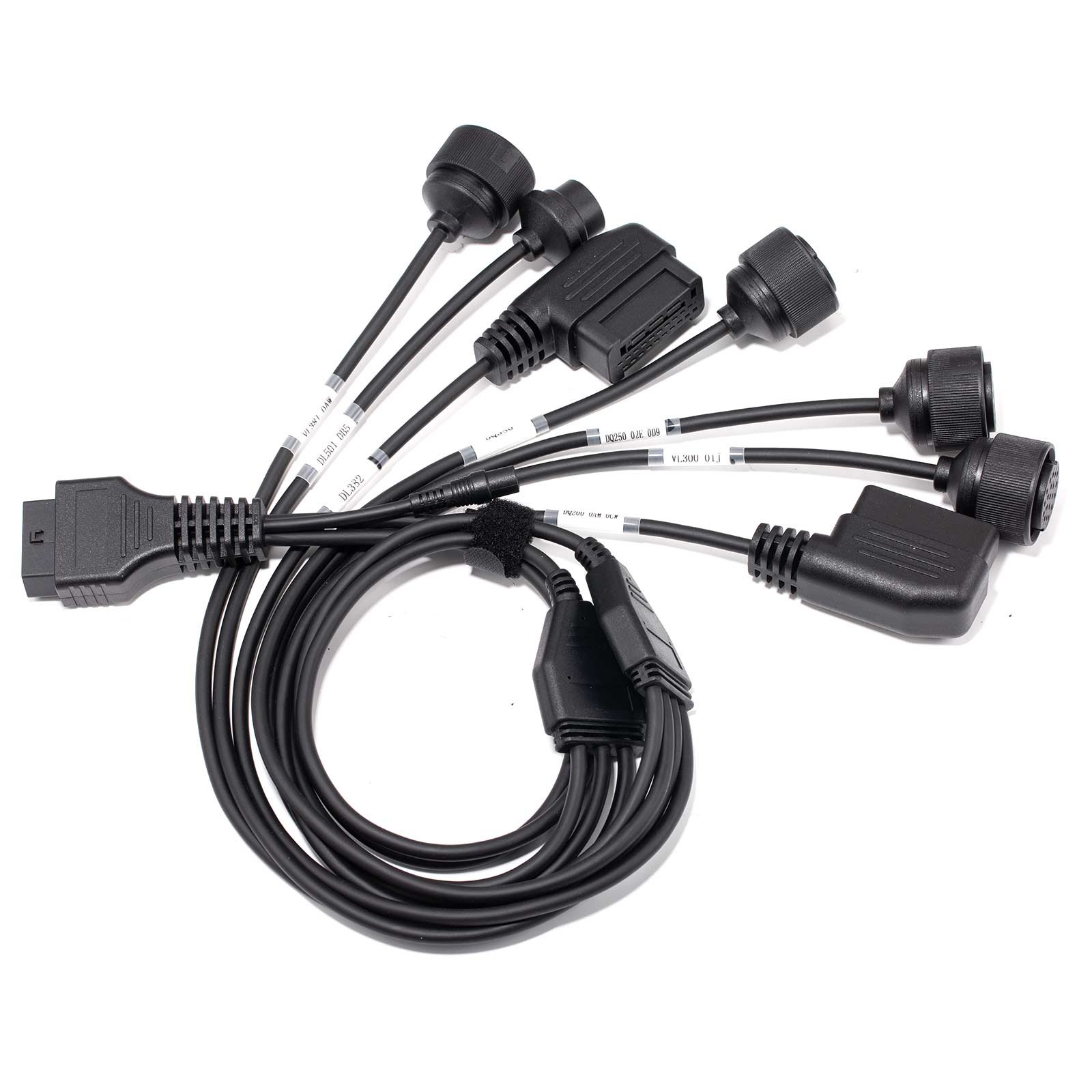
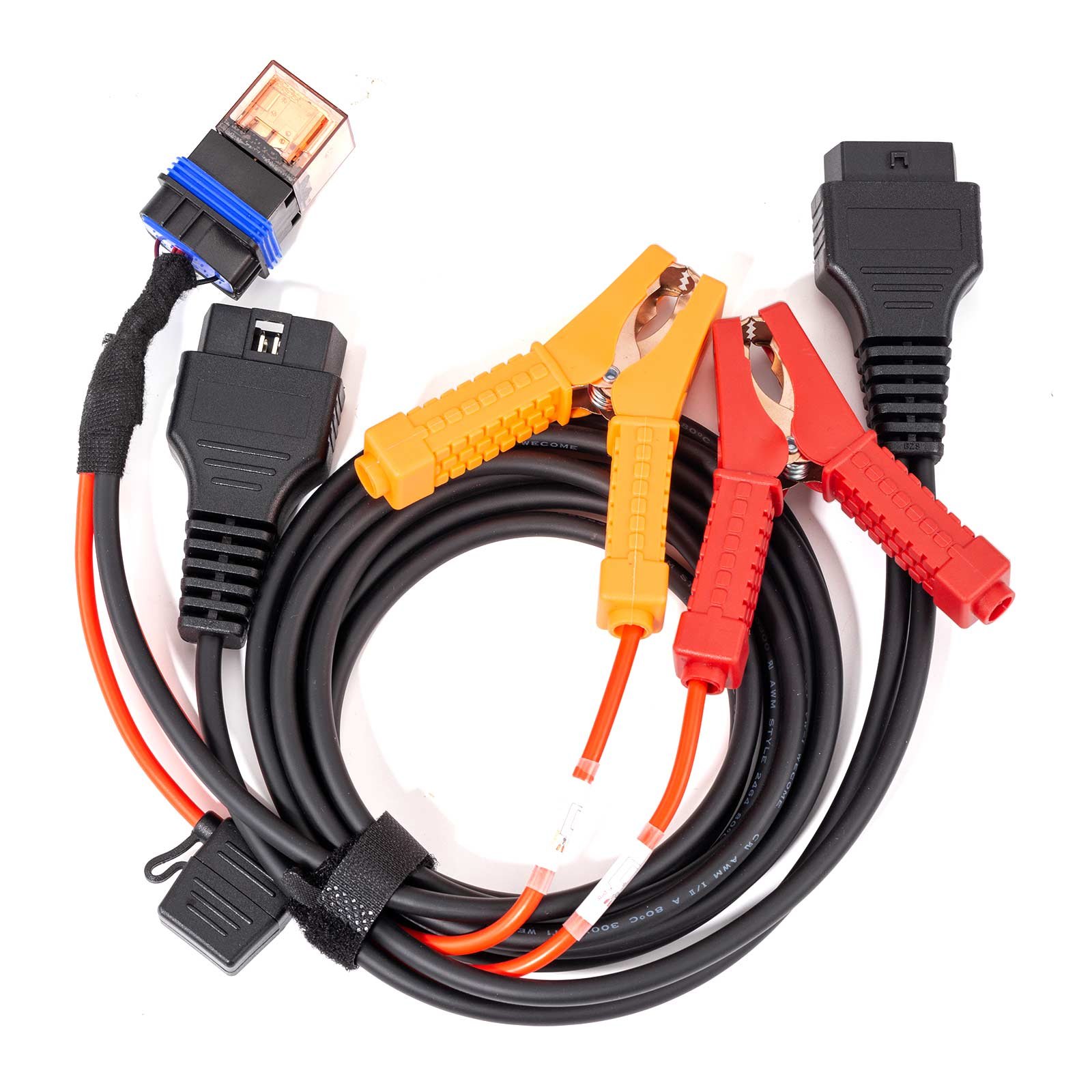
- Product Description Applied to repair the AUDI sixth Gen A6 Q7 Audi C6 steering column lock J518 ELV module failure replacement emulator. AUDI C6 Q7 A6 Steer Column Module J518 ELV Module Emulator with VVDI Dedicated Programming Cable 1. Universal solution, three types MCU all can replaced by this emulator. (replace MCU Mask: 1L59W, 3L40K, OL01Y directly); 2. Stable and durable, No Vulnerable components such as relays, microswitch and motors on it. 3. Easy for replacing, write in the dump form original J518 Module with the WVDI PROG dedicated line directly, No need solder wire. Note: The emulator without lock or on lock function, if need the same function as the original J518 Module, please buy the J518 Replacement The WDI PROG dedicated programming cable connector here is only for programming the emulator board, not for original J518 PCB board. so if you have a car which need replace the J518 module with this emulator, you need read out the data in the MCU by soldering wire or other methods, then write the data into the emulator MCU via this Dedicated cable connector. Operating Instructions: J518 256,128 simulate board instruction As for reading and programming the original car,pls check the VVDI prog. If your car is 9S12DG 128 CPU, the operation steps are as follows. 1. Read out the EEPROM data, atttention! Pls save the data, in case of any wrong operation. 2. Put the EEPROM data into the folder"EPROM 2K-4K", then double-click the EEPROM Converter application, and see that the original 2K file becomes 4K, the conversion is successful. 3. After runing the sytem, the file to be 4K, then the programming succeed Note: You can only double click one time, do not repeat. If the double-click run is unsuccessful, or no 4K file appears, then right-key to run the program in administrator mode. Connect flashing wire and write the converted EEPROM file. Attention: simulator is a 256 chip then choose J518 (2010) (0L01Y) required. Each board is with ep data and FLSAH data, so usually you just need to write EP data. If not, you can write the EP data from your car with the FLASH data in the instruction. If car is 9S12DG 256 CPU, the operation steps are as follows. 1. Read out and save the original car data, and write it directly to the simulator. VVDI burning line: where: red (thick) =VCC black (thick) =GND yellow =RST purple =BKGD green =XCLKS White =CLK black (fine) =GND-C without horn With horn: wiring according to the silk print in the board,same as board wihtout horn Buy our special burning line, with speakers you can avoid welding burning, directly connect the 20pin port. Attention: The simulator is burned after the test, preferably on the car. In the platform test, it is necessary to check the wiring of 20Pin port. Some of the platform wiring harness have production problems and are compatible with our burning interface, which may lead to chip damage. Error wiring: 10 (red) should recover after 20 (blue) or as shown in the figure. Package includes: 1pc x AUDI C6 Q7 A6 Steer column module J518 ELV Module Emulator with VVDI Dedicated programming cable Tech Support J518 ELV Module Emulator 9S12DG 128/256 CPU Operation Tutorials: If you reading and programming the original car, the details steps just check the VVDI Prog Operation Guide. If your car is 9S12DG 128 CPU, the operation steps are as follows: Read out the EEPROM data, atttention! pls save the data! in case of any wrong operation Put the read EEPROM file into the folder Then double-click the EEPROM Converter application, and see that the original 2K file becomes 4K, the conversion is successful. After runing the sytem, the file to be 4K, then the programming succeed Note: Can only double click one time, do not repeat. If the double-click run is unsuccessful, or no 4K file appears, then right-key to run the program in administrator mode. Connect flashing wire and write the converted EEPROM file. Attention: simulator is a 256 chip then choose J518 (2010) (0L01Y) required. Each board all with ep data and FLSAH data, so usually you just need to write EP data. If not, you can write the EP data from your car with the FLASH data in the instruction. If car is 9S12DG 256 CPU, the operation steps are as follows: Read out and save the original car data, and write it directly to the simulator. wiring method VVDI burning line: where: red (thick) =VCC black (thick) =GND yellow =RST purple =BKGD green =XCLKS White =CLK black (fine) =GND-C without horn With horn: wiring according to the silk print in the board,same as board wihtout horn Buy our special burning line, with speakers can be no welding burning, directly into the 20pin port. Notice: The simulator is burned after the test, preferably on the car. In the test platform test, it is necessary to pay attention to check the wiring of 20Pin port. Some of the platform wiring harness production problems, which will conflict with our burning interface, which may lead to chip damage. Error wiring: 10 (red) should recover after 20 (blue) or as shown in the figure. Learn more: https://www.
The J518 is a known failure on these Audis, and an emulator replaces it rather than repairing the original.
Specifications
| Type | OBD2 Cable and Connector |
|---|---|
| Part number | SO536 |
| Condition | New |
Shipping and returns
Orders leave the warehouse within one business day. Delivery then takes 7 to 20 days. Orders over $150 ship free.
Not right for you? You have 30 days from delivery, with no restocking fee. See the full returns policy.